If you’re hunting for the best free project management software, you already know tools can change how teams work. Good software boosts productivity, improves communication, and reduces costly mistakes. Because budgets tighten, free plans now pack powerful features many teams need. This guide tested over 70 apps to find reliable no-cost options. We focused on usability, integrations, automation, and scalability. As a result, seven top picks emerged, from lightweight Kanban boards to flexible database-style platforms. Along the way, we measured limits like record counts, automations, and AI credits. You’ll get quick comparisons, real-world pros and cons, and setup tips. By the end, you can choose a tool that fits your workflow and budget. Whether you run a solo project or coordinate cross-functional teams, the right free tool saves time and money. Read on to compare Trello, Asana, ClickUp, Wrike, Airtable, Jira, and Zapier. Plus, we include tips for scaling up when needs outgrow free plans.
Top features to look for in the best free project management software
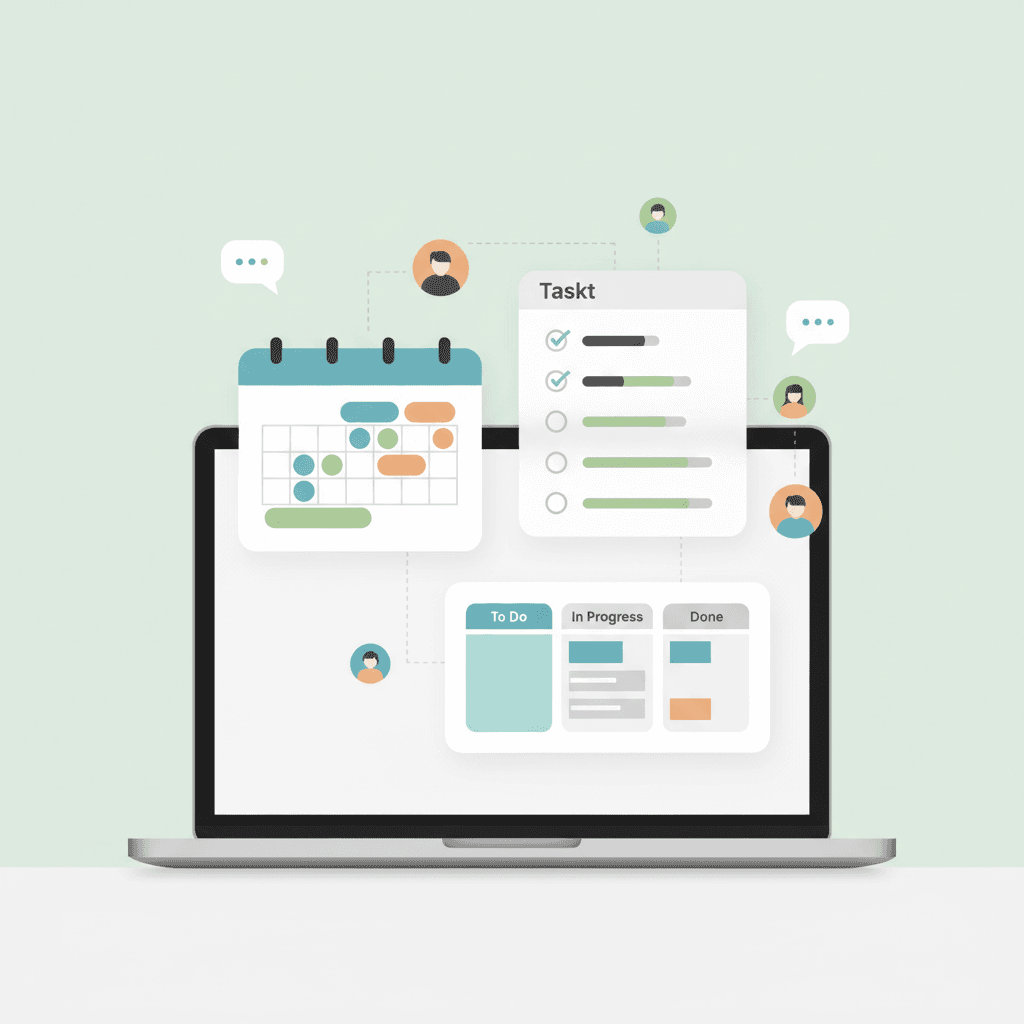
Choose tools that help teams move work forward with clarity and speed. First, look for reliable task tracking that shows status at a glance. For example, drag a task card from To Do to In Progress and see who owns it. Second, prioritize multiple views like Kanban, list, calendar, and Gantt because different teams visualize work differently. Third, favor built-in collaboration features such as real-time comments, mentions, and file attachments so teams avoid email silos.
Key features to prioritize
- Task tracking and assignments — clear owners, due dates, checklists, and subtasks. For instance, assign a sprint backlog item and track time spent.
- Flexible views and templates — Kanban boards, timeline charts, and reusable templates speed setup. Many platforms include onboarding templates to cut setup time; see practical HR automation use cases at this article.
- Integrations and automations — connect to tools and automate handoffs. For deeper automation, link to Zapier-like flows or native APIs.
- Collaboration and notifications — activity feeds, mentions, and mobile alerts reduce delays.
- Storage, limits, and AI features — watch record counts and AI credits on free plans; platforms such as Airtable and Jira expose these limits so you can plan growth.
Finally, choose a tool that scales. As a result, you start free and upgrade only when needed.
| Tool | Key features (free) | User interface | Storage limits (free) | Integrations | Ideal user type |
|---|---|---|---|---|---|
| Trello | Kanban boards, unlimited cards and members, unlimited Power-Ups, 250 automated commands/month | Clean, card-based Kanban that is intuitive for beginners | 10 boards per workspace | Slack, Google Drive, Jira, Zapier | Small teams, freelancers, simple workflows |
| Asana | Unlimited projects and tasks, list board and calendar views, My Tasks | Modern list and board views, easy onboarding for teams | Unlimited storage on free plan | Slack, Dropbox, Google Workspace, Zapier | Small teams, marketing, product teams |
| ClickUp | Unlimited tasks and users, 13 task views, limited Gantt and timeline | Highly customizable with multiple views and dashboards | 100MB storage | GitHub, Slack, Google Drive, Zapier | Growing teams, power users who like customization |
| Wrike | Unlimited projects, up to 200 active tasks, basic AI Essentials | Spreadsheet-esque interface with column tracking | Up to 200 active tasks | Microsoft Teams, Google Drive, Slack, Zapier | Teams needing structured task lists and status tracking |
| Airtable | Unlimited bases, up to 5 editors, 1,000 records/base, 8 views, 500 AI credits/editor/month | Flexible grid and database-style interface with visual blocks | 1,000 records per base | Slack, Dropbox, Google Drive, Zapier | Teams needing lightweight databases, creative workflows |
This table highlights core free plan limits and interfaces to help readers pick the best free project management software for their needs.
For automation and complex integrations, consider pairing these tools with Zapier or native APIs as projects scale.
Benefits and real-world use cases of the best free project management software
Free project management tools increase clarity, reduce overhead, and save costs. Because teams get a single source of truth, they avoid duplicate work. As a result, tasks move faster and deadlines stay visible. These tools also automate routine handoffs. For example, trigger a status change that notifies a reviewer instantly. Free plans often include collaboration features like comments, mentions, and file sharing. Therefore small teams gain enterprise-style workflows at no cost.
Real-world use cases
- Remote teams — Use Kanban boards and shared calendars to coordinate across time zones. For instance, a distributed design team tracks sprints and handoffs with boards and checklists. This reduces follow-up meetings and increases throughput.
- Small businesses — Track sales leads, project quotes, and client tasks in a single workspace. As a result, owners manage operations without extra software.
- Freelancers and solo founders — Use task lists, templates, and simple automations to meet deadlines. For example, freelancers set recurring tasks for invoicing and client check-ins.
- Cross-functional projects — Integrate PM tools with chat and storage to centralize communication. However, choose tools with strong integrations to avoid manual updates.
In practice, start with a free plan, test workflows, and scale when limits become constraining.
Conclusion
The best free project management software gives teams structure, visibility, and cost savings. They simplify task tracking and reduce coordination friction. However, free plans sometimes limit automations, storage, or user seats. AllosAI complements these tools by adding AI powered workflow automation and smarter support tools. For example, AI bots can route tasks, prioritize work, and draft customer replies automatically. As a result, teams cut manual steps and boost customer engagement without hiring more staff. AllosAI also integrates with popular PM apps to orchestrate automations across platforms. Therefore small teams and growing companies can extend free plans while keeping overhead low. Start with a free PM tool, then add AI where it saves the most time. If you want to prototype automations or learn playbooks, visit AllosAI and try the platform.
Website: AllosAI
App platform: AllosAI App
Blog and Knowledge Hub: AllosAI Blog
X Twitter: AllosAI on Twitter
Frequently Asked Questions (FAQs)
What is the best free project management software for my team?
Choosing the best free project management software depends on workflow, team size, and priorities. Trello suits simple Kanban workflows. Asana fits small teams that need list and calendar views. ClickUp works for power users wanting many views and custom fields. Airtable helps teams that need lightweight database features. Jira remains ideal for developer teams tracking issues and sprints.
How can I use task management and collaboration tools effectively on free plans?
Assign clear owners and due dates for each task. Use templates for recurring work and maintain consistency. Centralize discussions with comments and mentions to avoid scattered email threads. Run short weekly reviews to align priorities and unblock work.
Will free tools support software integrations and automations?
Many free plans include basic integrations and limited automation runs. Native connectors are usually more reliable and cheaper than third party flows. For more complex automations, consider pairing free PM software with automation platforms or vendor APIs as needs grow.
When should I upgrade from a free plan to paid software?
Upgrade when limits slow your team or create manual work. Typical signs include hitting user, storage, automation, or reporting caps. Also move to paid tiers for single sign on, advanced security, and enterprise audit logs.
Are free project management tools secure for business use?
Free plans typically include standard protections such as encryption and two factor authentication. Enterprise features like SSO and detailed audit logs often require paid plans. Review vendor security docs and back up mission critical data regularly.
Which free PM software and PM tools offer the best integrations and automation for small teams?
Look for platforms with native integrations to Google Workspace, Slack, and cloud storage. Tools that provide built in automations or generous API access make scaling easier. For example, ClickUp and Airtable offer flexible integrations, while Zapier can extend connectors across multiple PM tools. Prioritize vendors that list connectors and automation limits on their pricing pages.