Train ChatGPT on your own data: Turn a general assistant into your company expert
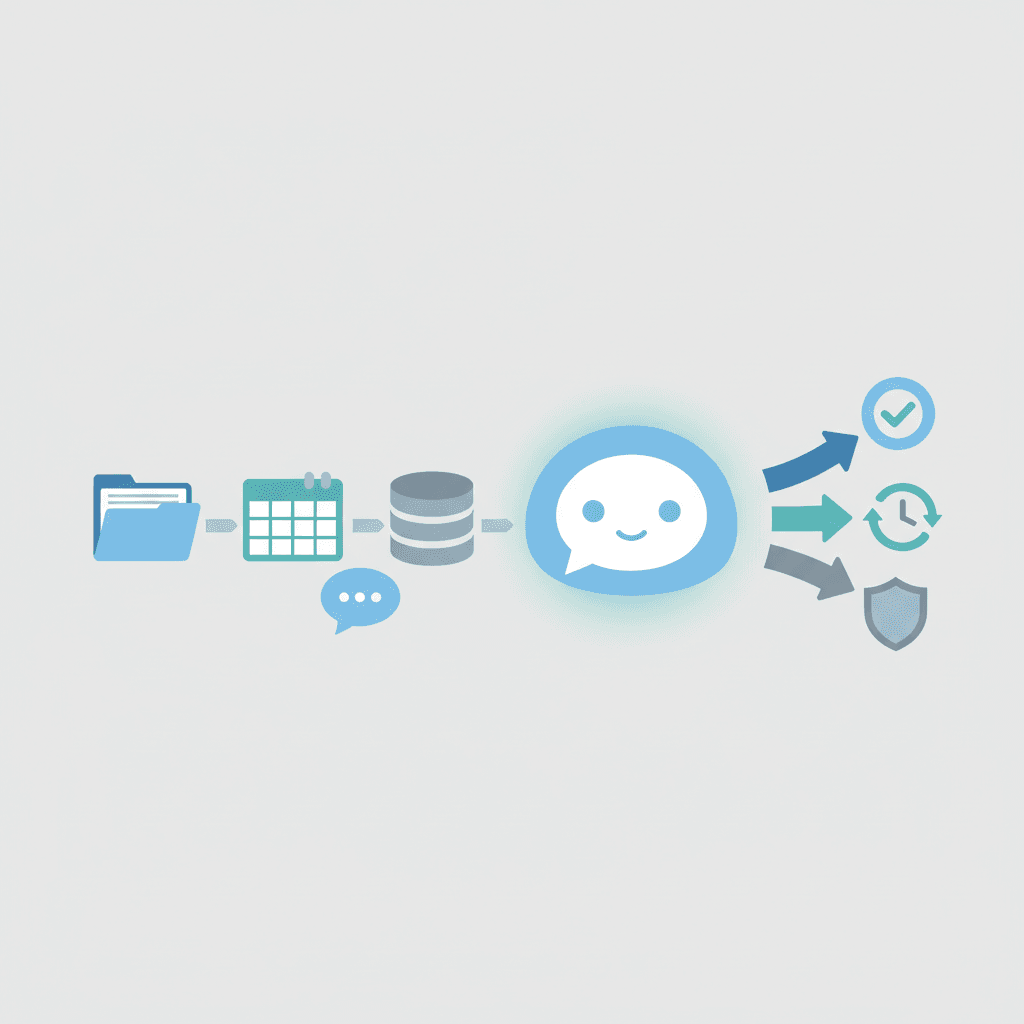
When you train ChatGPT on your own data, the model stops guessing and starts answering with context. Because generic models lack your processes and documents, they can miss details. However, feeding your policies, product specs, and past tickets changes that. As a result, the assistant becomes faster, safer, and more accurate for real work.
This guide shows why training ChatGPT matters and how it changes outcomes. You will learn practical steps to upload knowledge files, set custom instructions, and use tools like GPT builder or Zapier Chatbots. Therefore, whether you want smart customer support or internal research help, these methods scale. Also, training reduces repetitive work and lowers costly errors.
Many teams worry they need deep engineering skills. Yet you can start simply by adding structured documents and brief examples. For example, use custom instructions to teach tone and role. Next, try GPT builder or an API for richer control if you have developers. Ultimately, the goal stays the same: create a context-aware assistant that reflects your brand and facts.
Throughout this article you will find step-by-step tutorials, tips for preparing knowledge files, and trade-offs between no-code and code-first approaches. You will also see how integrations with apps like Notion, Airtable, and HubSpot help keep data fresh. By the end, you will know when to use plain custom instructions and when to build a custom GPT.
Ready to make AI trustable for your team and customers? Follow the next sections to train ChatGPT on your own data, prepare high-quality knowledge sources, and measure improvement in accuracy and speed.
Insights and Benefits when you train ChatGPT on your own data
Customizing ChatGPT unlocks accuracy and context. When you train ChatGPT on your own data, it learns your terms, products, and policies. As a result, it answers with fewer errors and less back-and-forth.
Key benefits and practical examples
- Higher accuracy because you supply product specs, process docs, and past tickets. Example: a support agent gets exact troubleshooting steps.
- Faster customer support and internal search. For example, upload ticket history to reduce average handling time. See AI File Chat for document-based chat: AI File Chat.
- Consistent brand voice and tone via custom instructions and role prompts. Therefore, marketing copy and responses stay on message.
- Lower risk of hallucinations by anchoring answers in official sources and policies. This increases compliance and trust.
- Automation and integrations speed workflows. For instance, Zapier connects your CRM and knowledge base to the bot. Learn more about available apps: Zapier Apps.
- Scalable maintenance because you update knowledge files, not model weights. As a result, content stays current without heavy engineering.
- Flexible build paths from no-code GPT builder to OpenAI API for developers. If you need deeper customization, the API is an option.
Further reading and real-world context
| Method | Ease of use | Data requirements | Cost implications | Typical use cases |
|---|---|---|---|---|
| Custom instructions | Very easy | Short prompts and role examples | Low or no cost | Adjust tone, add role behavior, simple personalization |
| GPT builder or Shareable GPTs | Easy to moderate | Upload documents, FAQs, and examples | Low to moderate | Internal helpers, team bots, public GPTs |
| Embeddings plus retrieval augmented generation (RAG) | Moderate | Clean documents, vector store, metadata | Moderate | Document search, knowledge base answers, compliance |
| Fine tuning | Hard | Large labeled dataset and curated examples | High | Specialized models, automated workflows, niche tasks |
| OpenAI API integration | Hard | APIs, data mapping, and engineering work | Variable and scalable | Custom apps, analytics, production systems |
| Zapier Chatbots and Agents | Easy to moderate | Webpages, app data, Zapier Tables | Moderate subscription fees | Automations, cross-app workflows, customer operations |
Because cost and data needs vary, start small and iterate. For example, begin with custom instructions or embeddings. Then scale to API or fine tuning as needed.
Challenges and Solutions when you train ChatGPT on your own data
Training ChatGPT on your own data brings reward and real challenges. Because you rely on internal documents and systems, data quality and privacy jump to the top of the list. However, practical steps reduce risk and improve outcomes.
Common challenges and fixes
-
Data quality and consistency
- Problem: messy files, outdated docs, and conflicting answers cause wrong responses.
- Solution: audit and normalize sources first. For example, convert files to consistent formats, add metadata, and remove duplicates.
-
Hallucinations and irrelevant answers
- Problem: the model may invent details when it lacks context.
- Solution: use retrieval augmented generation with embeddings. Therefore anchor responses to source excerpts and cite them.
-
Scale and performance
- Problem: large corpora slow retrieval and raise costs.
- Solution: chunk content, use effective vector indexes, and cache popular queries to reduce latency and spending.
-
Integration complexity
- Problem: mapping fields across Notion, HubSpot, and Airtable is time consuming.
- Solution: standardize schemas and automate syncing with tools like Zapier to keep sources fresh.
-
Privacy and compliance
- Problem: PII, contracts, and regulated data create legal risk.
- Solution: redact or pseudonymize sensitive fields. Additionally enforce role based access, audit logs, and encryption at rest and in transit.
Best practices to reduce friction
Start small and iterate because quick wins build momentum. Next, add monitoring and human review to measure accuracy. Finally, keep a feedback loop so the bot learns from corrections and your team trusts its answers.
Conclusion
Training your assistant with internal knowledge pays off. When you train ChatGPT on your own data, you reduce errors, speed up workflows, and keep answers on brand. Therefore teams see faster support, clearer documentation, and fewer risky responses.
AllosAI can help you reach those outcomes. For example, AllosAI supports AI automation, chat support, and intelligent content creation across documents and apps. As a result, teams deploy document‑based chatbots and automated pipelines without heavy engineering. Also, AllosAI integrates with your knowledge sources to keep answers current.
To get started, begin small and measure impact. Next, expand by adding embeddings, retrieval, or API integrations. Finally, maintain privacy by redacting sensitive fields, enforcing access controls, and logging activity.
Ready to make AI work for your company? Visit Website and explore the App Platform. Also check the Blog and Knowledge Hub for guides.
Train iteratively, monitor outcomes, and your assistant will grow more accurate and useful over time.
Frequently Asked Questions (FAQs)
Can I train ChatGPT on my own data?
Yes. You can customize ChatGPT with custom instructions, embeddings plus retrieval, GPT builder, Zapier Chatbots, or API integrations. Start with simple documents. Then expand to richer datasets as needed. However you do not need to train from scratch.
What data should I use?
Use product docs, FAQs, policies, and ticket history. Clean and format files first. Also add metadata and examples to improve relevance. Prefer structured formats like CSV or Markdown.
How do I prevent the model from hallucinating?
Anchor answers to source text with retrieval augmented generation. Also cite source excerpts and add human review loops. Therefore you reduce invented details. Include citations in replies to increase trust.
What about privacy and compliance?
Redact personal data and sensitive fields. Next enforce role based access and encryption. Also keep audit logs and retention policies. Consult legal and security teams before sharing regulated data.
Which method is best for my team?
If you want low effort use custom instructions or GPT builder. For document search use embeddings plus RAG. For production apps choose API integration or fine tuning if you have engineering resources. Pilot small projects and measure metrics.