
Finding the best free CRM software can transform how small teams manage leads and close deals. This guide helps you compare contact management, sales pipeline features, automation, and integrations. Because budgets matter, we focus on truly useful free plans, not trials. Also, we highlight AI and no-code options that scale with your workflow.
You will learn which platforms let you automate outreach, enrich leads, and analyze performance without cost. Therefore, expect practical tips, clear pros and cons, and real-world use cases. By reading on, you will save time and avoid costly migrations later. We tested more than eighty systems and validated features hands-on to recommend the top picks. You will see options for open-source and self-hosted CRM. Moreover, we cover inbox CRM, help desk integrations, and email marketing tools. Along the way, we explain record limits, automation credits, and AI attributes that enrich leads. Finally, we suggest who should pick each free plan for the best results. This article aims to make your CRM choice simple and confident.
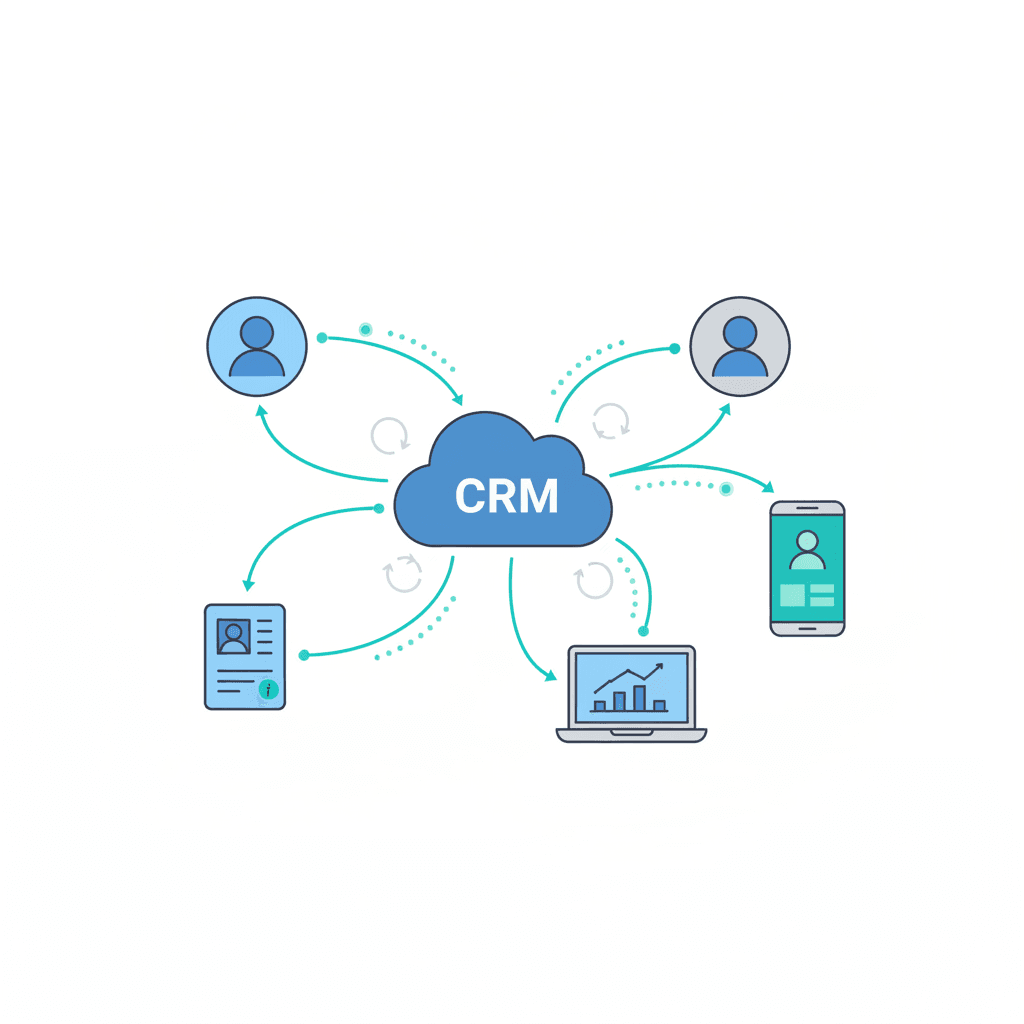
Features of the best free CRM software
The best free CRM software gives you core CRM tools without a big budget. These platforms include contact management, sales pipeline views, and basic automation. Because small and medium businesses need efficiency, these features focus on tasks that drive revenue. Therefore, you can prioritize outreach, follow ups, and lead enrichment without extra cost.
Core feature set and why it matters
- Contact management and segmentation
- Store customer records and tags to filter leads quickly.
- As a result, reps find the right contacts and personalize outreach.
- Sales pipeline and deal tracking
- Visual pipelines show deal stages and next steps.
- This clarity improves forecast accuracy and shortens sales cycles.
- Email integration and inbox CRM
- Sync emails and templates to keep conversations in one place.
- Moreover, mail merge and scheduling speed outreach.
- Automation and workflows
- Automate repetitive tasks like lead assignment and follow up.
- Because automation reduces manual work, teams sell more efficiently.
- Reporting and dashboards
- Track conversions, activity, and revenue trends in real time.
- Therefore, managers make data driven decisions quickly.
- Integrations and open platforms
Free CRM benefits for small and medium businesses
- Lower cost of entry
- Start managing relationships without subscription fees.
- As a result, startups preserve runway and validate processes.
- Faster onboarding and adoption
- Many free plans come with templates and simple UIs.
- Therefore, teams adopt CRM tools quickly and see value sooner.
- Scalable options and upgrade paths
- You can move from free tiers to paid features when ready.
- For instance, Zoho documents plans and limits at Zoho.
- Access to AI and enrichment features
- Some free CRMs include AI attributes and lead enrichment.
- Consequently, teams qualify leads and prioritize outreach automatically.
For help connecting AI chat and customer service bots, see our guide at AllosAI guide. Also, explore self hosted and open source CRMs like Bitrix24 at Bitrix24 when you need unlimited users or on premises control.
Best Free CRM Software Comparison
For integrating AI chat and customer service bots with CRM tools, see our guide: A Beginner’s Guide to AI Bots for Customer Service.
| Software | Pricing (free status) | Key features | User limits | Integrations | Ideal business size |
|---|---|---|---|---|---|
| HubSpot | Free forever (yes) | Contact management, deals, email, forms, analytics | Unlimited users, large contact capacity | HubSpot CRM Integrations | Small to large businesses |
| Zoho CRM | Free plan available (yes) | Lead management, 60+ reports, workflows, mobile app | Up to 3 users, up to 5,000 records | Zoho CRM Integrations | Small teams |
| Bitrix24 | Free plan available (yes) | Contact management, tasks, telephony, projects | Unlimited users and contacts, 5GB storage | Bitrix24 Integrations | Small to mid size teams |
| Attio | Free plan available (yes) | AI attributes, enriched profiles, pipelines | 3 seats, 50,000 records, 250 automation credits | Attio Integrations | SMBs needing enriched data |
| Streak | Free plan available (yes) | Inbox CRM inside Gmail, pipelines, mail merge | 500 items, daily mail merge limits | Streak Integrations | Solo and small Gmail teams |
| EngageBay | Free plan available (yes) | CRM plus email marketing, forms, automation | Up to 250 contacts and 1,000 branded emails | EngageBay Integrations | Small businesses focused on email |
| Brevo | Free plan available (yes) | Email marketing, one pipeline, transactional emails | 300 emails per day, up to 100,000 contacts | Brevo Integrations | Small businesses focused on email marketing |
Choosing the best free CRM software for different business needs
Selecting the right CRM depends on your goals and team. For CRM selection, start by listing core tasks. For example, note whether you need sales tracking, email marketing, or support ticketing. Also consider integrations, data limits, and upgrade paths. This approach saves time and keeps choices aligned with your business needs.
Sales focused teams
- Look for visual pipelines, activity timelines, and mobile access.
- Choose systems with task reminders and email sequencing.
- Because sales teams need speed, prefer CRMs with easy lead scoring.
- Examples include tools that support simple automation and forecast reports.
Marketing oriented teams
- Prioritize email sends, forms, and segmentation features.
- Also check for A/B testing and campaign tracking.
- As a result, you can run nurture campaigns from one place.
- Integrations with email platforms and landing page builders matter.
Customer support centered teams
- Pick CRMs with ticketing, shared inboxes, and knowledge base links.
- Moreover, choose systems that integrate with live chat and chatbots.
- This setup shortens response times and raises satisfaction scores.
- For help desk workflows, favor CRMs that log conversations automatically.
Practical CRM selection tips
- Map your processes first, then match CRM features to those steps.
- Test free tiers for two weeks with real data.
- Because limits vary, track record counts and automation credits during trials.
- Talk with your team to spot adoption blockers early.
Quick checklist to identify the best CRM tools
- Does it support your primary workflow?
- Can it scale when your team grows?
- Are integrations available with your main apps?
- Does the free plan include the features you need now?
Use this guidance to pick the best CRM tools for your company. Therefore, you will avoid costly migrations later and gain faster ROI.
Choosing the best free CRM software gives teams a low cost way to manage relationships and scale processes. Because free plans now include automation, AI attributes, and integrations, they deliver real business value. Therefore, small and medium businesses can start faster and iterate without large upfront fees.
This guide covered key features, benefits, and use cases to match CRM tools to sales, marketing, or support needs. For instance, sales teams benefit from visual pipelines and lead scoring, while marketers need strong email and segmentation tools. As a result, you can pick a free CRM that fits your workflow today and grows with your team tomorrow.
To extend CRM capabilities, consider pairing your CRM with an AI automation platform. AllosAI offers AI driven automation, chat, and enrichment tools that complement CRM systems for smarter engagement. Explore AllosAI on the web, try the platform at AllosAI Platform, or read the knowledge hub at AllosAI Blog. Finally, test a few free CRMs, measure adoption, and then add AI tools for faster wins and better customer experiences.
Frequently Asked Questions (FAQs)
What features can I expect from the best free CRM software?
Most free CRM software includes contact management, deal pipelines, and basic reporting. You often get email sync, simple automation, and integrations. Moreover, some plans add AI attributes or lead enrichment. These features help teams track interactions, prioritize leads, and stay organized without spending money.
What are the common limitations of free CRM plans?
Free tiers limit users, records, storage, or automation credits. As a result, they suit early stage teams but may block growth. Also, advanced features like custom reporting, phone support, or extensive APIs are often behind paywalls. Therefore, monitor your limits closely during trials.
Can free CRMs integrate with other apps and automation tools?
Yes. Many free CRMs support integrations through native connectors or APIs. They also work with automation platforms and email tools. Consequently, you can connect marketing, support, and calendar apps. However, some integrations require paid plans or third party middleware.
How do I choose the best free CRM software for my team?
Start by mapping your workflows and must have features. Then test two or three platforms with real data for at least two weeks. Because adoption matters, involve frontline users in trials. Also, check upgrade paths and integration options to avoid painful migrations later.
How do I get support and scale when I outgrow a free plan?
Begin with documentation and community forums for help. If you need faster support, upgrade to paid tiers that include phone or priority support. Moreover, plan migrations by exporting data and testing the new system. Finally, consider adding AI automation or chat tools to reduce manual work and improve outcomes.
If you still have questions, list your top three needs and compare them against free plans. This quick exercise makes CRM selection faster and clearer.