Automate Claude with Zapier
Automate Claude with Zapier to turn repetitive AI tasks into reliable, hands-free workflows. This approach saves time and reduces human error, so teams can focus on strategy. Because Claude excels at summarizing, drafting, and classifying content, it becomes a powerful engine. When you connect Claude to Zapier, you link that engine to thousands of apps.
For example, you can generate blog outlines from keywords stored in Google Sheets. Also, you can route design assets through multi-level approval workflows with human checks. Opus 4.6 and Zapier MCP make integrations faster and more secure; therefore, scaling becomes easier. As a result, teams respond to customers faster and publish content more consistently.
In this guide, we will show seven practical automations that range from social posts to escalations. Moreover, we will include setup tips and Human in the Loop best practices to keep control. By the end, you will know how to build dependable Zaps that amplify Claude across your stack.
Automate Claude with Zapier
Claude is an advanced AI assistant built by Anthropic. It summarizes text, drafts content, and classifies inputs. Because Claude handles language tasks well, teams use it to reduce manual work.
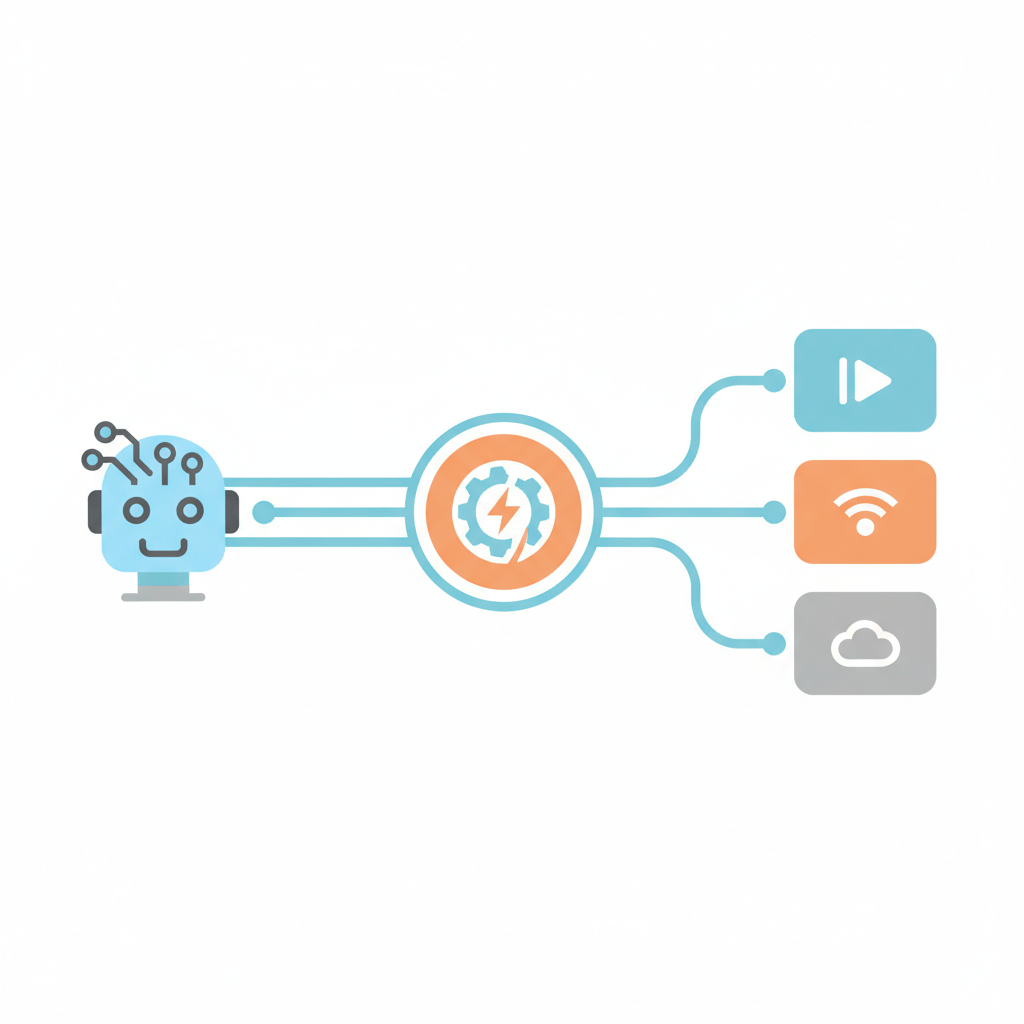
Zapier is a no-code automation platform. It connects apps with Zaps and triggers. Therefore, Zapier links Claude to thousands of tools and actions. For example, Zapier MCP and recent integration updates speed secure connections: Zapier Integration Updates.
Automation means using software to run repeatable tasks. As a result, automation removes routine steps and enforces consistency. When you automate Claude with Zapier, you make AI work across your systems.
Key benefits
- Increased efficiency because Claude handles content tasks automatically. This frees staff for strategic work.
- Time savings as Zaps run without manual intervention. Consequently, you reduce turnaround time for content and responses.
- Improved workflows via chained steps and branching logic. For instance, you can route approvals and log actions in Zapier Tables.
- Better scalability since Opus 4.6 and Claude API integrate smoothly into large processes.
- Consistent quality because Claude applies the same instructions every time.
- Human in the Loop controls ensure safety and oversight when needed.
You can apply these automations to content production, customer support, surveys, and approvals. For a practical email automation example, see this guide on Mailchimp: Automate Mailchimp with Zapier. Moreover, enterprise AI data shows that automation drives measurable value: Enterprise AI Statistics.
| Aspect | Manual Workflow | Automated Workflow with Claude and Zapier |
|---|---|---|
| Speed | Slow. Tasks wait for humans to start and finish. | Fast. Zaps run instantly or on schedule, therefore reducing delays. |
| Accuracy | Variable. Humans introduce inconsistency and fatigue. | Consistent. Claude applies the same instructions every time. |
| Scalability | Limited. Adding volume means hiring more people. | Highly scalable. Zapier MCP connects to thousands of apps, and Claude scales with usage. |
| Ease of Use | Familiar but repetitive and error prone. | Easy to operate after setup. Moreover, no code Zaps simplify maintenance. |
| Cost | Higher long term due to labor and rework. | Lower over time. Because automation reduces manual effort and errors. |
Automate Claude with Zapier Use Cases
Integrating Claude with Zapier unlocks practical automations that save time and reduce errors. Because Claude handles language tasks well, it becomes a central engine for many workflows. Moreover, Zapier links Claude to thousands of apps, so your automations can touch every part of your stack.
Customer support
- Use case: Auto summarize incoming tickets and draft first responses. Then route urgent tickets to a human agent.
- Example flow: New ticket arrives in helpdesk, Zap triggers Claude to generate a summary, Zapier posts result to Slack and creates a ticket with priority when severity is high.
Content generation and SEO
- Use case: Turn stored keywords into blog outlines, drafts, and metadata automatically.
- Example flow: Pull keywords from Google Sheets, trigger Claude to write an outline, then save the result to Google Docs for review.
Lead capture and qualification
- Use case: Qualify inbound leads by extracting intent and scoring interest automatically.
- Example flow: New form entry triggers Claude to classify lead intent, Zapier updates CRM, and high scoring leads get an immediate email nurture sequence.
Social media management
- Use case: Generate social captions and variants from a single brief.
- Example flow: Add a row to Airtable, Claude drafts multiple captions, Zapier publishes one and schedules others.
Survey analysis and feedback
- Use case: Summarize survey responses and spot themes quickly.
- Example flow: Responses collected in Google Forms, Claude creates a summary, Zapier sends highlights to Slack and stores themes in Zapier Tables.
Escalations and approvals
- Use case: Detect critical issues and trigger meetings or approvals automatically.
- Example flow: Claude classifies severity, a path step routes outcomes, and Zapier schedules calendar events for high severity items.
Why this works
Claude is designed by Anthropic to excel at language tasks. Zapier connects those capabilities to apps fast. As a result, teams reduce manual work, scale processes, and maintain human oversight when required.
CONCLUSION
Automate Claude with Zapier unlocks powerful efficiency gains for teams and systems. By connecting Claude’s language skills to Zapier’s automation, you eliminate repetitive tasks and speed outcomes. As a result, content production, customer support, and approvals run with less friction.
You gain consistent quality because Claude applies the same prompts every time. Moreover, Zapier’s branching and delay steps let you model real workflows. Therefore, teams scale without linearly growing headcount. For example, a Zap can draft outreach, score leads, and route urgent items to humans.
AllosAI complements these patterns as a unified AI automation platform. It leverages advanced AI and workflow automation to help businesses scale communication and engagement effectively. Learn more at AllosAI, or try the app at AllosAI App. Read deeper in the Blog and Knowledge Hub at Blog and Knowledge Hub. Follow updates on X at X.
Start small, test flows, and keep humans in the loop for safety. With clear steps, you can transform how work gets done and unlock predictable growth.
Frequently Asked Questions (FAQs)
What do I need to get started?
To automate Claude with Zapier you need a Zapier account and access to Claude on Zapier. Also have the apps you want to connect, such as Google Sheets or Slack. Next, prepare API keys and sample data. Finally, plan a simple Zap for a pilot. This approach keeps risk low and lets you iterate quickly.
How do I build a basic Zap that uses Claude?
Start with a trigger app, for example new row in Google Sheets. Then add a Claude action and write a clear prompt. Next, add actions for output, such as saving to Google Docs or posting to Slack. Test each step, because testing reveals data mapping issues. Finally, enable the Zap and monitor runs.
What are common use cases?
Many teams use Claude for content generation, customer support, and lead qualification. For example, Claude can draft blog outlines from stored keywords. Moreover, it can summarize tickets and route high severity issues. You can also automate social captions, survey analysis, and approval workflows.
How do I ensure accuracy and safety?
Use precise prompts and guardrails. Also insert Human in the Loop checks for critical outputs. Log results in Zapier Tables for audits. Furthermore, add validation steps and sample tests before wide rollout. As a result, you reduce errors and keep control.
What if something goes wrong?
First check authentication and API limits. Then review Zap run history for errors and failed steps. If outputs look off, refine prompts and add examples. If tasks need pacing, include a delay step. Finally, escalate persistent issues to platform support.
How are data privacy and Human in the Loop controls handled?
Protect privacy by minimising data sent to Claude. Remove or tokenise personal data before requests and store only required fields. Ensure encryption in transit and at rest, use access controls, and apply contractual protections such as a data processing agreement for compliance. Log AI outputs and decisions in Zapier Tables or your audit system for traceability.
Human in the Loop controls
- Add approval steps for sensitive outputs so humans review before publishing
- Redact or tokenise sensitive fields prior to sending to Claude
- Maintain audit trails, version prompts, and role based access
- Configure alerts and escalation paths for flagged items
Test flows with sample data and document your privacy practices.