Automation Platforms in Modern Business Workflows
Automation platforms now shape modern business workflows, driving speed and accuracy.
Workato exemplifies a powerful integration platform built for enterprise automation. It connects apps, moves data, and runs complex automations called recipes. Because teams still juggle legacy systems, they need centralized control and strong monitoring. You will see how workflow optimization reduces manual steps and speeds key outcomes.
In this article, you will learn how Workato compares to low-code Agent Studios and prebuilt Genies. We examine implementation time, pricing models, required skill sets, and governance tradeoffs. You will get practical tips for workflow optimization, error handling, and data mapping. Along the way, we define iPaaS, middleware, recipes, and other integration platform concepts. By the end, you can decide whether Workato fits your automation strategy.
We also compare Workato with Zapier, Make, and enterprise tools like SAP and Oracle integrations. However, Workato targets larger organizations and often requires annual contracts and professional services. Therefore, expect longer implementation timelines but stronger governance and centralized monitoring. Finally, we offer a practical checklist and decision criteria for choosing the right automation platform.
Key Features of Workato
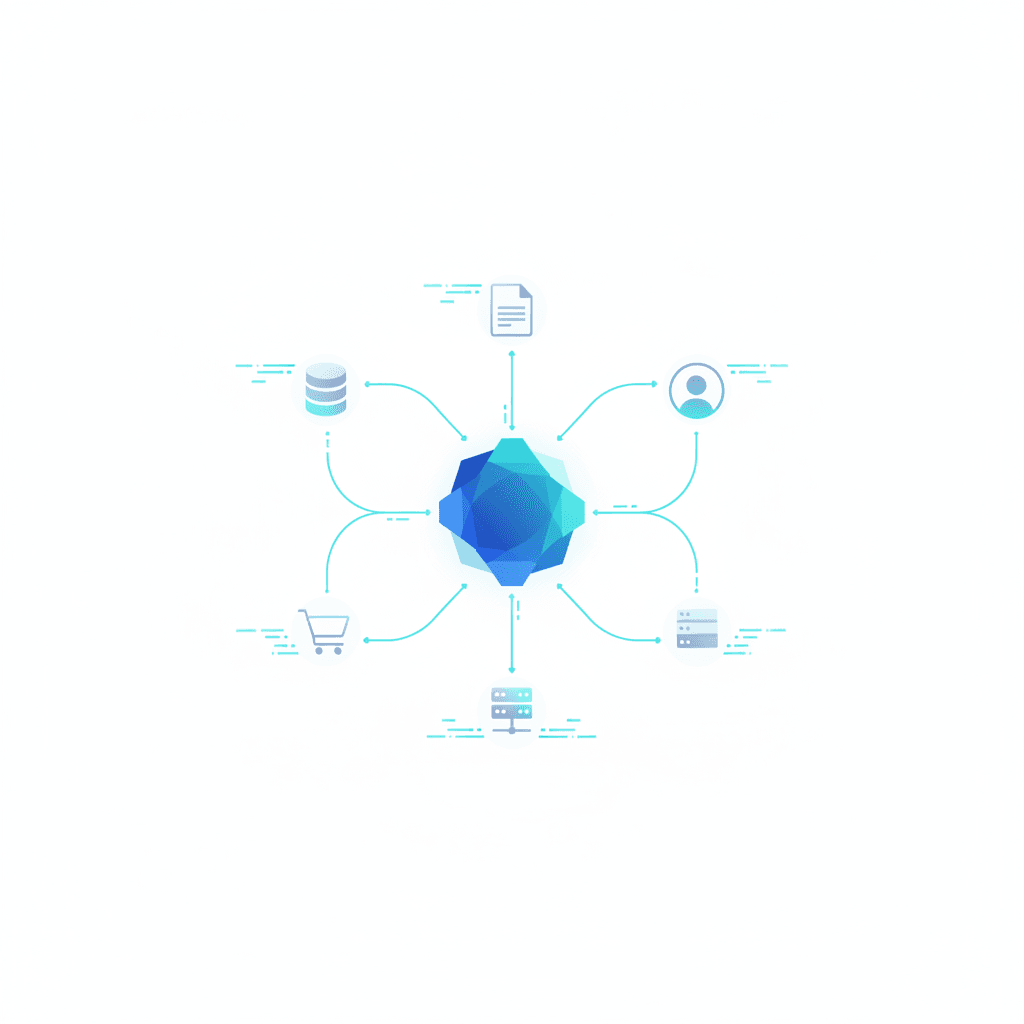
Workato packs enterprise-grade capabilities that power integration automation and workflow optimization. Because it targets larger organizations, it balances self-service builders with centralized control.
- No-code and low-code automation
- Visual recipe builder lets teams assemble automations without heavy coding. Therefore integration teams move faster while keeping governance tight. For low-code transformation strategies see this article.
- Workato offers connectors for ERP, CRM, databases, cloud apps, and custom APIs. As a result, you can integrate legacy systems and modern SaaS in one platform.
- Real-time data workflows
- The platform supports event-driven triggers and streaming sync. Thus you get true real-time workflows and reduced synchronization lag.
- AI-powered capabilities and Genies
- Workato includes an AI copilot for workflow generation and prebuilt enterprise Genies. This enables AI integrations and faster template-driven builds, although Workato itself is not an autonomous AI agent.
- Governance, monitoring, and error handling
- Role-based access controls, centralized monitoring dashboards, transaction logs, and retry logic help secure production automations.
- Scalability and enterprise support
- Workato scales for high-volume transactions and offers professional services for complex deployments.
For help choosing between platforms and agents see this guide and a feature comparison with Zapier Copilot at this article.
| Platform | Pricing | Integration capabilities | Ease of use | AI support | Scalability |
|---|---|---|---|---|---|
| Workato (workato.com) | Custom enterprise pricing; no public tier. Annual contracts and professional services typical. | Extensive connectors for ERP, CRM, databases, cloud apps, and custom APIs. Designed for complex enterprise integrations. | Powerful visual builder, yet often requires IT or integration specialists. Centralized control adds governance. | AI copilot for workflow generation and Genies for templates. Workato is not an autonomous AI agent. | Built for high-volume transactions and enterprise deployment. Scales with dedicated support and services. |
| Zapier (zapier.com) | Transparent, usage-based pricing with free tier for basic users. Good for small teams and pilots. | Connects with 8,000+ apps and many AI tools. Best for SaaS-to-SaaS automations. | Extremely user-friendly and fast to set up. Nontechnical users can create automations quickly. | Copilot can build agents, chatbots, databases, and forms. Strong democratized AI tooling. | Suitable for small to mid scale. Enterprise plans available but less centralized than Workato. |
| Microsoft Power Automate (powerautomate.microsoft.com) | Per-user and per-flow plans. Integrated with Microsoft 365 licensing. | Deep integration with Microsoft stack and many external connectors. Good for Windows-centric environments. | Familiar to Microsoft users; visual flows are approachable. However advanced scenarios need pros. | Integrates Microsoft AI Builder and Copilot features. Good for Microsoft-first AI use cases. | Scales well inside Microsoft ecosystems and enterprise tenants. |
| Integromat / Make | Range of affordable tiered plans; developer-oriented pricing exists. | Visual scenario builder with many connectors. Good for complex data transformations. | More advanced builder; steeper learning curve than Zapier but flexible. | Offers automation features; AI integrations depend on connectors and external services. | Scales for SMBs and midsize companies. Powerful for complex routing and data parsing. |
Use this table to match tool strengths with your priorities of cost, governance, and integration complexity.
How Workato Improves Business Operations
Workato speeds operations by automating repetitive tasks and enabling business process automation. Because teams often waste time on manual handoffs, Workato reduces errors and cycles. As a result, employees focus on higher-value work and outcomes improve.
Examples that deliver measurable impact
- Automated lead capture
- Workato routes leads from web forms and ad platforms into CRM in real time. Therefore sales reps get timely alerts and follow-ups. This reduces lead response time and increases conversion rates.
- Customer support integration
- Workato syncs tickets across helpdesk, CRM, and knowledge bases. As a result, support agents see full customer context without switching apps. This lowers resolution time and improves satisfaction.
- Data synchronization and reporting
- The platform keeps ERP, analytics, and warehouses synchronized. Consequently reporting reflects current data and decision making improves. Workflows include retries, error handling, and mapping logic to protect data integrity.
Operational benefits include faster cycle times, fewer manual errors, and stronger governance. However, implementing Workato often needs integration expertise and planning. Therefore invest time in design, testing, and role-based controls. With that, Workato delivers scalable workflow optimization and clear ROI.
Measure success with KPIs like lead-to-opportunity rate and mean time to resolution. Also, iterate on recipes and monitor logs to catch issues early.
CONCLUSION
Workato accelerates enterprise automation by connecting applications and orchestrating complex workflows. It uses recipes to move data and enforce governance across systems. As a result, teams reduce manual work and improve data accuracy. However, implementation often requires integration expertise and longer timelines.
Workato includes an AI copilot and prebuilt Genies for faster workflow generation. In addition, these features speed up template-driven builds and support complex integrations. Yet Workato remains an iPaaS focused on centralized control rather than end-user democratization. Therefore it fits organizations that need scale, compliance, and dedicated support.
For customer-facing channels, AllosAI complements Workato by automating communication workflows. It automates social media and support without increasing headcount.
- 24/7 chatbot coverage keeps customers engaged and reduces support load.
- Social media hub centralizes channels and schedules responses across platforms.
- Performance intelligence provides analytics to optimize messaging and agent handoffs.
Learn more at AllosAI or try the app at AllosAI App. Find case studies and guides at AllosAI Blog.
Frequently Asked Questions (FAQs)
What does Workato cost?
Workato does not publish standard pricing. Typically vendors craft enterprise quotes based on recipes, transaction volume, and required features. Therefore expect annual contracts and professional services for complex deployments. However, pricing varies by use case and scale.
How easy is integration and automation with Workato?
Workato provides a visual recipe builder for no-code and low-code automation. For simple SaaS-to-SaaS tasks, teams move quickly. Yet complex integrations often need IT or integration specialists. As a result, governance and centralized monitoring remain strong.
Does Workato include AI capabilities?
Yes. Workato offers an AI copilot for generating workflows and prebuilt Genies for templates. However Workato is not an autonomous AI agent. It helps accelerate workflow generation and AI integrations without replacing human oversight.
Can Workato scale for enterprise needs?
Yes. Workato scales for high-volume transactions and complex enterprise architectures. Therefore organizations use it for ERP, CRM, and data warehouse integrations. Still, implement proper testing, role-based controls, and monitoring.
What are common use cases?
Typical use cases include automated lead capture, customer support syncing, data synchronization across ERP and analytics, and cross-system reporting. For example, Workato reduces manual handoffs and speeds decision making.