
When seconds matter, teams need alerts that feel like a steady, trustworthy voice guiding them to action. AI voice alerts for critical incidents deliver that steady voice, cutting through noise and urgency with clarity. They call the on-call engineer directly, using automation tied to PagerDuty and Zapier Tables to find responders fast. Because these alerts speak naturally through Telnyx, responders hear clear instructions and can act immediately, reducing downtime.
Moreover, an AI summary can shape the message, so engineers get concise context and essential steps. This increases reliability and responsiveness in chaotic moments when human judgment must act quickly and confidently. Therefore, organizations can replace frantic texts and missed calls with decisive audio that commands attention. As a result, high-urgency incidents resolve faster, and teams regain control more often.
Read on to learn a no-code workflow that sends AI voice alerts, maps on-call schedules, and triggers calls automatically. Start here now.
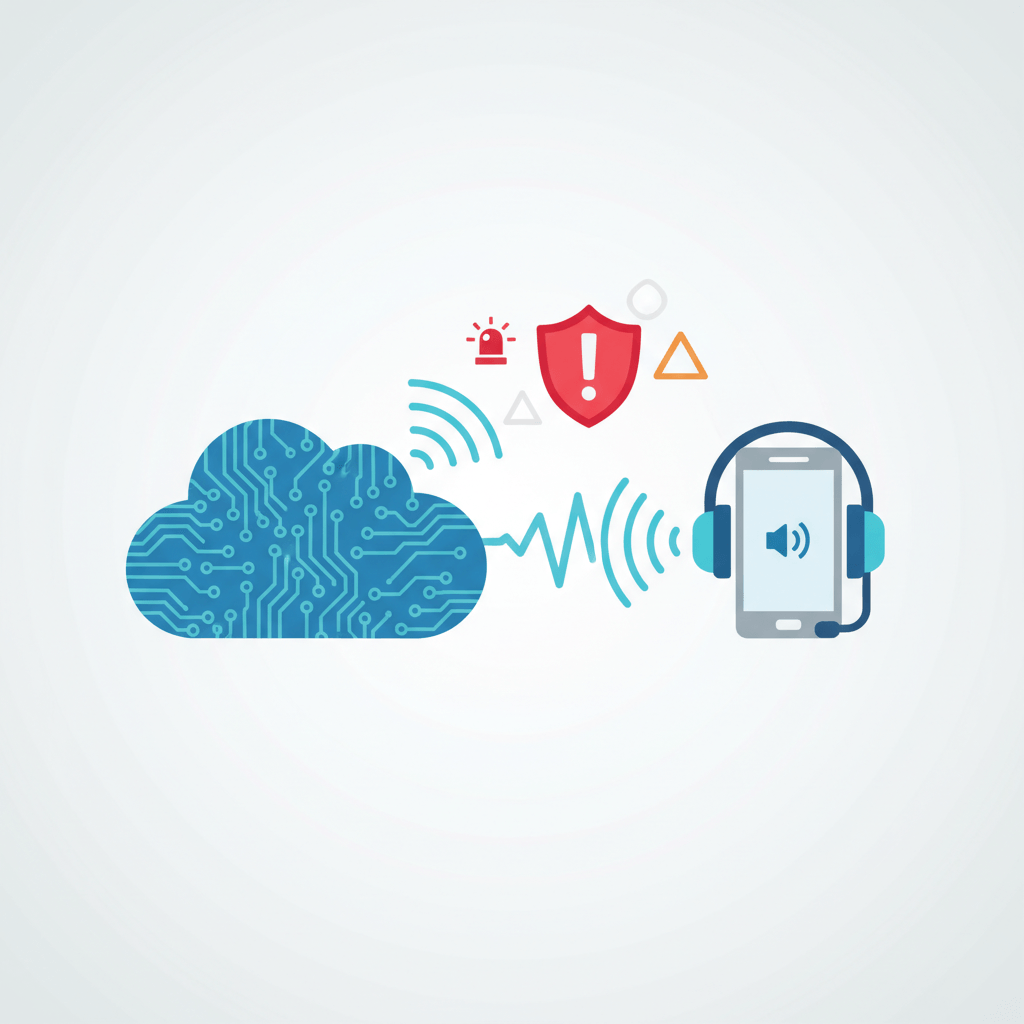
How AI voice alerts for critical incidents improve response times
AI voice alerts for critical incidents reduce delays by delivering an immediate, clear call to the right person. Because the system calls the on-call engineer directly, it bypasses unread messages and chat noise. This workflow starts with a PagerDuty trigger for New or Updated Incident events and filters for high urgency, then looks up the responder in a Zapier Tables record. Read more on PagerDuty. Learn more about Zapier.
Key ways AI voice alerts speed response
- Instant detection and routing: PagerDuty flags high-urgency incidents and triggers the automation. This removes manual monitoring.
- Find the right responder fast: Zapier Tables returns a single on-call engineer using a one-record lookup, reducing lookup time.
- Immediate voice delivery: Telnyx Dial a Number and Speak Text place a live-sounding call to the destination number for instant attention. Discover Telnyx.
- Concise context with AI: Adding AI by Zapier summarizes the PagerDuty incident before the call. As a result, engineers hear only critical details.
- Reduced follow-ups and noise: Voice calls cut the back-and-forth that delays action, so teams focus on fixes.
Because voice commands attention, engineers acknowledge incidents faster and act with more confidence. Therefore, mean time to acknowledge drops, and mean time to resolve shortens. As a result, services recover quicker and customer impact falls.
| Feature | Traditional alert methods | AI voice alerts for critical incidents |
|---|---|---|
| Features | Text, email, and chat notifications; manual routing | Automated call routing, AI summaries, and spoken playback |
| Response effectiveness | Often missed or delayed; relies on recipients checking devices | High; direct calls command attention and reduce missed acknowledgements |
| Speed | Slower; depends on manual checks and message chains | Immediate; triggers on PagerDuty incidents and dials instantly |
| Reliability | Prone to notification fatigue and missed reads | Consistent delivery with retries and fewer missed alerts |
| Scalability | Noisy at volume; manual steps create bottlenecks | Scales with automation and filtered urgency rules |
| Setup complexity | Simple to start but limited in automation | No code Zapier flows with Telnyx and PagerDuty; moderate setup |
| Attention capture | Low to medium; silent channels are ignored | High; voice interrupts and prompts immediate action |
| Context clarity | Long messages or attachments can be skipped | AI summaries deliver concise spoken context |
| Follow-up overhead | High; requires multiple exchanges to confirm receipt | Lower; calls provide immediate acknowledgement and instructions |
Common challenges when deploying AI voice alerts for critical incidents
Deploying AI voice alerts can speed response, but teams face common obstacles. First, false positives and noisy alerts cause fatigue because teams receive many low value calls. Second, incorrect routing or outdated on call data leads to missed responders. Third, voice clarity and language tone affect how quickly engineers understand instructions. Fourth, privacy and compliance concerns may restrict automatic calls in some regions. Finally, integration complexity can slow adoption for teams without automation experience.
Practical solutions
- Tune urgency filters and thresholds: Use PagerDuty rules and Zapier filters to only trigger high urgency incidents. For guidance see PagerDuty Incident Response. As a result, you limit false alarms.
- Maintain accurate on call records: Update Zapier Tables and set Filter Count to one to return a single engineer. This reduces misrouting and speeds delivery.
- Use AI summaries and natural speech: Add AI by Zapier to summarize incident payloads and map to Telnyx Speak Text for clear spoken context. Zapier Telnyx
- Implement retry and escalation policies: Configure retries and alternate contacts so calls do not stop at the first failure. Therefore, acknowledgement rates rise.
- Test and monitor continuously: Run drills and log call outcomes, because real world tests reveal edge cases and edge failures.
With these steps, teams overcome pitfalls while preserving reliability and scalability. Moreover, iterative tuning improves mean time to acknowledge and mean time to resolve.
CONCLUSION
AI voice alerts for critical incidents boost reliability and speed when seconds matter. They cut acknowledgement time and reduce downtime, so teams resolve incidents faster and with more confidence. Because calls capture attention, fewer alerts get missed. Therefore, mean time to acknowledge and mean time to resolve both fall. Moreover, concise AI summaries deliver clear context and reduce cognitive load during crises.
AllosAI provides a unified AI automation platform that simplifies communication and engagement at scale. It orchestrates alert triggers, on-call lookups, AI summaries, and voice delivery without code. As a result, teams deploy robust, scalable voice alert flows faster. Embracing this technology improves safety, customer trust, and operational resilience across organizations. Teams can configure retries, escalations, and regional compliance rules easily. This quickly lowers missed acknowledgements and helps meet audit requirements today.
Learn more at AllosAI. Try the app at AllosAI App or explore the knowledge hub at AllosAI Blog.
Frequently Asked Questions (FAQs)
What are AI voice alerts for critical incidents and how do they work?
AI voice alerts for critical incidents call the right responder automatically. First, an incident trigger fires in a monitoring tool like PagerDuty. Next, an automation platform such as Zapier looks up the on call engineer. Then a voice provider like Telnyx places the call and plays a spoken summary. For reference, see PagerDuty, Zapier, and Telnyx. Because the system speaks the key details, responders get context fast and can act immediately.
Will voice alerts reduce missed acknowledgements?
Yes. Voice interrupts and commands attention more than silent channels. Moreover, retries and escalation rules increase delivery rates. For example, if the first call fails, automation can retry or escalate to an alternate contact. Therefore, acknowledgement rates rise and mean time to acknowledge falls. However, each team must tune retries to balance reach and noise.
How do I avoid false positives and alert fatigue?
Tune incident severity thresholds and filter rules before sending voice calls. For instance, only trigger on high urgency incidents. Also, add rate limiting and frequency caps in your workflow. In addition, use AI summaries to keep calls concise. As a result, teams receive fewer low value calls and maintain trust in the system.
Are there privacy or compliance concerns with voice alerts?
Yes, regional rules and recording laws may apply. Therefore, check local regulations before recording calls. Also, limit personally identifiable information in spoken text. You should implement access logs and opt out options. Finally, document retention and audit trails help meet compliance requirements.
Can non developers set up AI voice alerts?
Absolutely. No code platforms like Zapier let nondevelopers build flows visually. Connect PagerDuty, map Zapier Tables, and add Telnyx Dial a Number and Speak Text actions. Then test each step and publish the workflow. As a result, teams deploy reliable voice alerts without writing code.