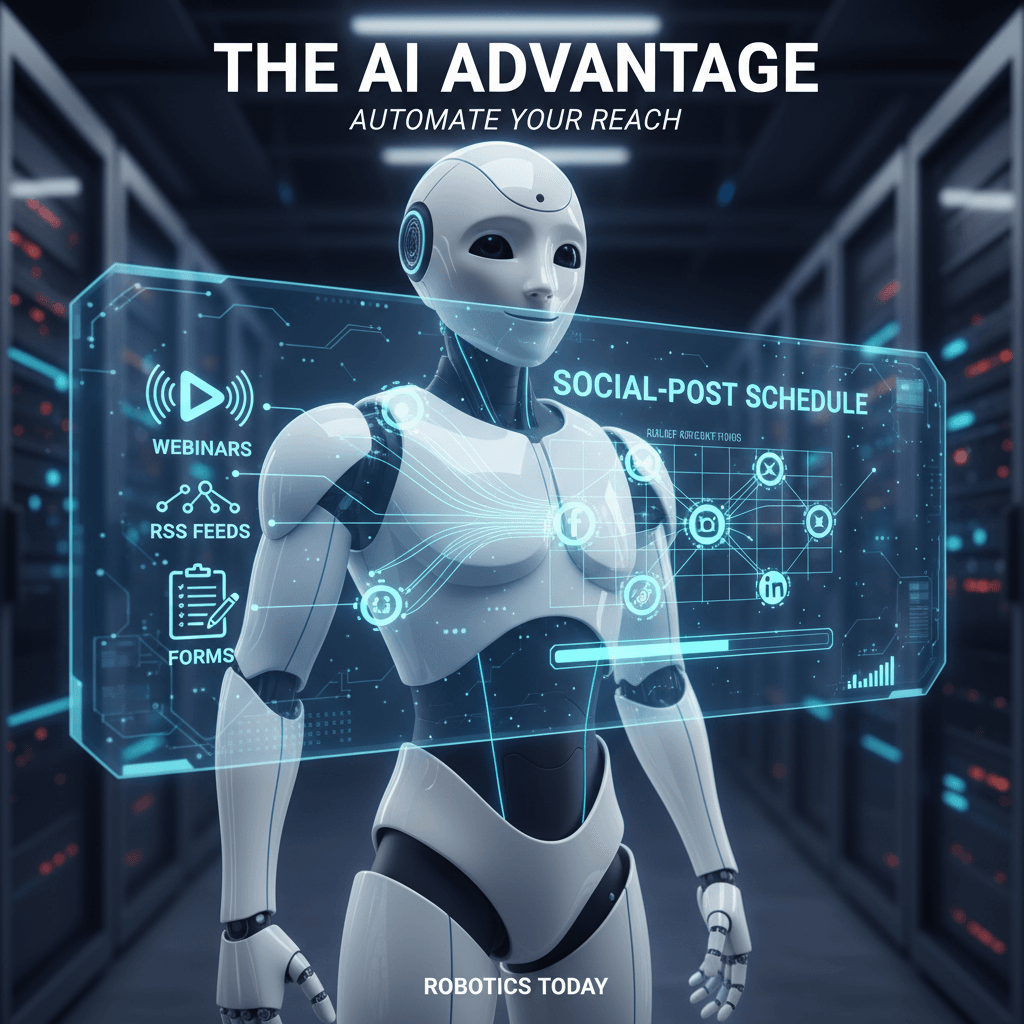
AI personal assistant apps
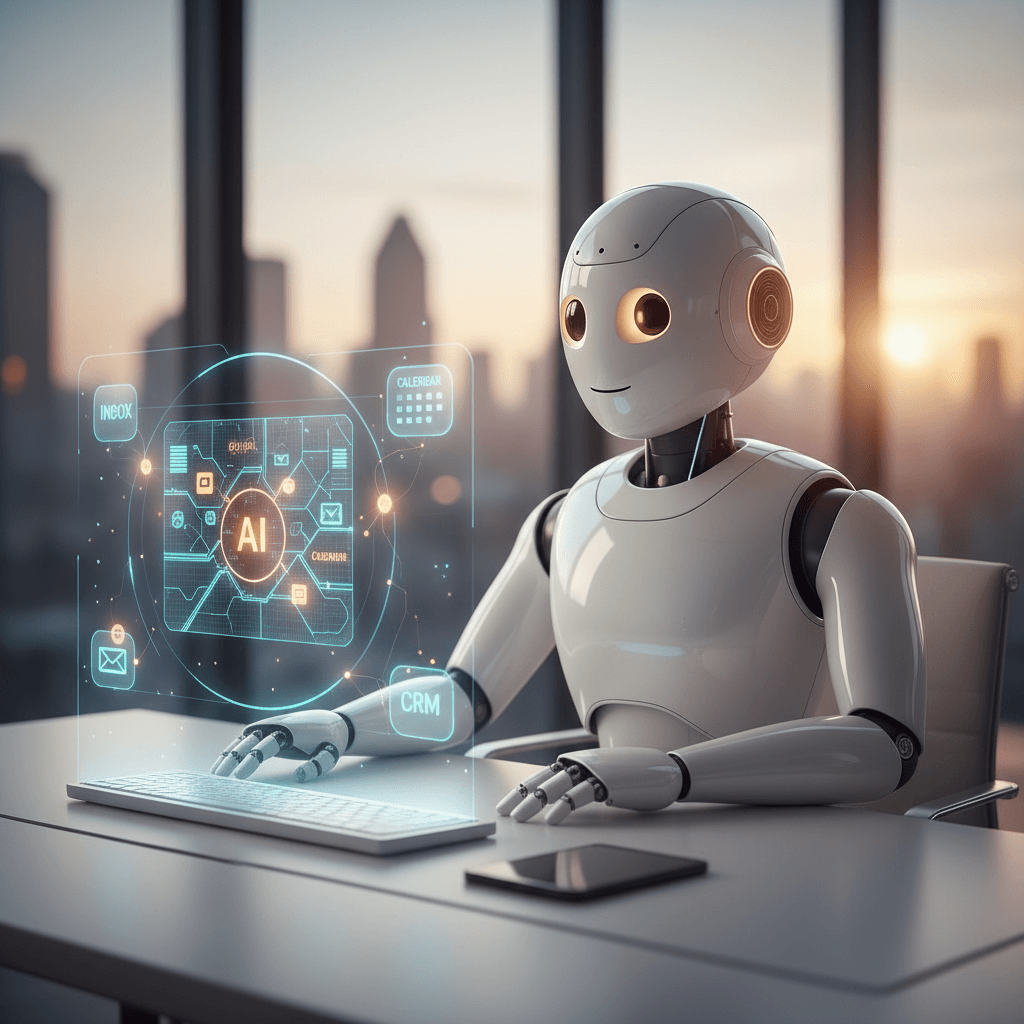
AI personal assistant apps are no longer sci-fi; they now manage our calendars and tame email chaos. They schedule meetings, draft replies, and surface key follow ups so you stay focused. Imagine a morning where your assistant highlights urgent emails, summarizes yesterday’s meeting, and preps talking points. For example, it can find the CFO’s note about the Q2 budget in seconds. Because these apps learn your habits, they suggest smarter meeting times and prevent double bookings. They also transcribe calls, extract action items, and even draft client updates in plain language. As a result, you save hours each week and avoid small, repetitive tasks that drain energy. Moreover, AI assistants connect your inbox, calendar, and CRM to create seamless workflows. However, they remain easy to adjust, so you keep control and privacy. By the end of this article, you will see practical workflows that turn integrations into true digital teammates.
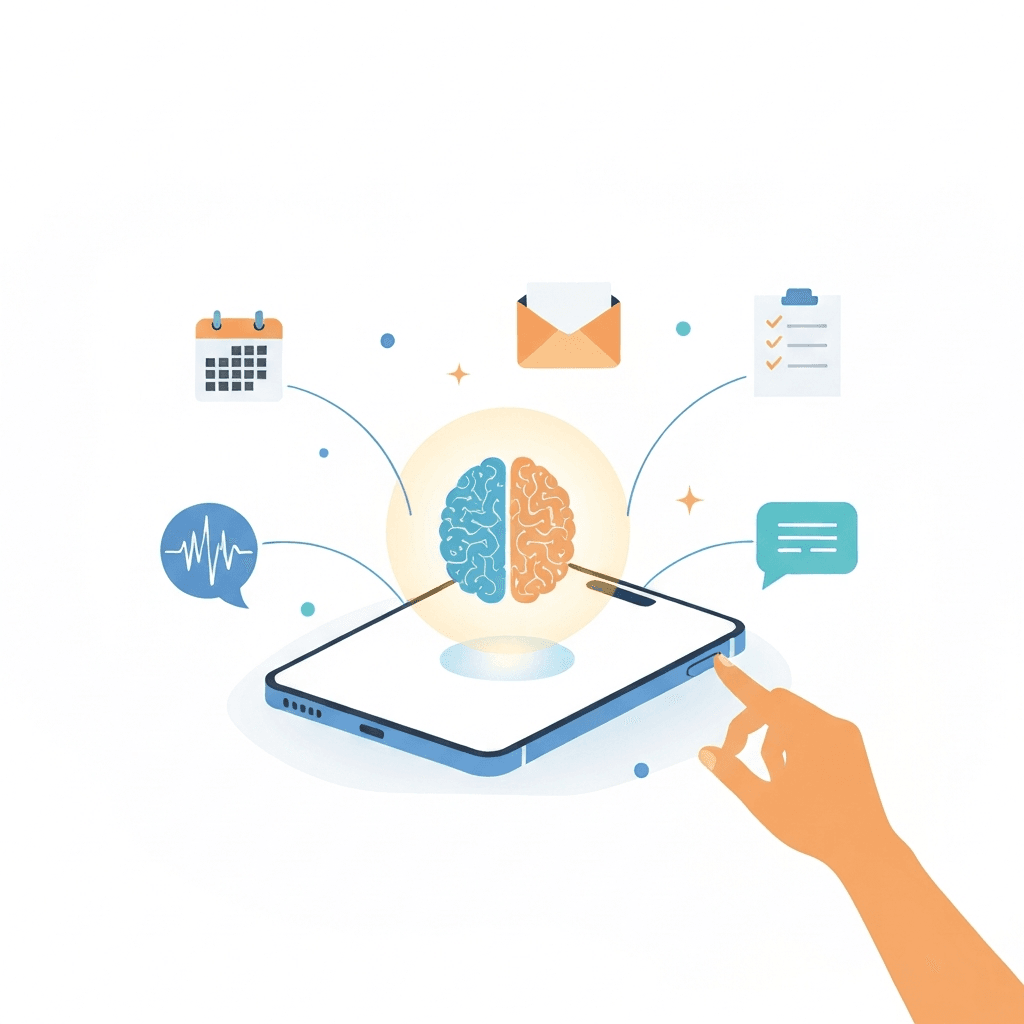
Benefits of AI personal assistant apps
AI personal assistant apps deliver real gains for time, focus, and outcomes. For individuals, they remove repetitive tasks. For teams, they streamline workflows and reduce context switching. As a result, users reclaim hours and mental energy each week.
AI personal assistant apps boost productivity
These tools automate common work so people do higher value tasks. For example, an assistant can triage your inbox and surface urgent threads. It can also draft replies, summarize long threads, and log follow ups. Because it learns from your patterns, it suggests better meeting times and priorities. Key benefits include:
- Faster inbox management and fewer unread messages
- Automated meeting notes and action items from transcripts
- Smart scheduling that avoids double bookings via Google Calendar
- Hands free workflows that run through integrations like Zapier
AI personal assistant apps improve organization
They link your inbox, calendar, and CRM for context-aware work. Therefore, customer notes sync to contacts, and sales tasks appear in your task list. For example, a rep sees the latest call transcript plus account history in one view. This reduces errors and speeds handoffs. Learn how ambient AI reshapes inboxes and meetings at this link.
AI personal assistant apps enhance decision making
Agents surface relevant context so decisions happen faster. They summarize research and highlight tradeoffs, which helps leaders choose wisely. Moreover, these assistants provide citations or links for follow up. As a result, teams avoid blind guesses and reduce rework.
Why businesses and individuals should adopt AI personal assistant apps
- They scale routine work without hiring more staff
- They capture institutional knowledge in searchable form
- They free leaders to focus on strategy instead of coordination
Additionally, many integrations are simple to set up. To see automation in action, read how to connect Claude with Zapier at this link. Finally, adopting these tools delivers measurable productivity gains and better customer experiences. Moreover, they fit existing workflows and protect human oversight.
Comparison of Top AI personal assistant apps
This table helps you evaluate popular AI personal assistant apps at a glance.
| App | Ease of use | Integrations | Pricing | Unique capabilities | Best for |
|---|---|---|---|---|---|
| Zapier Agents | Moderate; visual builder | Connects natively to 8,000+ apps; wide webhooks support | Free up to 400 activities; Pro from $33.33/month (billed annually) | Orchestrates cross-app workflows and automations; agent builder for custom tasks | Teams automating complex workflows and cross-app processes |
| ChatGPT (OpenAI) | Easy; conversational UI | API, plugins, and third-party integrations | Free tier; ChatGPT Plus $20/month | Advanced Voice Mode, Agent mode, Canvas, custom GPTs, large context (GPT-5.2 features) | Knowledge workers who need drafting, research, and creative help |
| Claude (Anthropic) | Easy; team workspace options | API and app integrations | Free plan; Claude Pro $20/month | Can read codebases, edit files, run commands; Claude Cowork takes actions in connected apps | Engineering and product teams needing action-oriented agents |
| Google Gemini | Easy; tight Google Workspace fit | Native Google Workspace integration (Calendar, Drive) | Free basic features; paid via Google One Premium $9.99/month or Workspace Starter $16.80/user/month | Strong multimodal search, Google-powered context, deep Workspace ties | Google Workspace users and research-heavy workflows |
| Motion | Medium; project-first UI | Calendar and project tools integration | From $49/month for AI project features | Predicts timelines, offers AI employees for scheduling, notes, and SOPs | Project managers and teams who schedule and plan work |
| Superhuman | Easy; email-first experience | Email and calendar integrations | From $40/month | Fast AI email features, smart triage, reply drafting | Power email users and sales professionals |
Note: For practical examples of ambient AI improving inboxes, scheduling, and workflows, see this article on AllosAI.
Future trends for AI personal assistant apps
AI personal assistant apps will become smarter and more helpful over the next few years. New model improvements will let assistants understand longer conversations and more context. As a result, they will act more like human colleagues and less like tools.
Personalization in AI personal assistant apps
Expect deep personalization that adapts to work styles and preferences. Assistants will learn tone, priorities, and calendar rhythms. For example, an assistant will suggest only short meetings on heavy focus days. It will also prioritize messages from key contacts automatically. Therefore, users get fewer interruptions and more focused time.
Integration and connectivity for AI personal assistant apps
These apps will connect across more systems and devices. They will pull context from CRM records, project boards, and meeting transcripts. Because of tight integrations, a single command will update tasks, record notes, and schedule follow ups. This reduces manual copying and speeds handoffs between teams.
Multimodal and voice first advances in AI personal assistant apps
Voice and audio will be central to future assistants. Users will speak commands and receive summaries while on the move. Moreover, assistants will analyze meeting audio to extract action items with high accuracy. That saves time and improves follow up.
Trust, control, and privacy in AI personal assistant apps
Privacy features will grow because users demand control. Therefore, expect on device processing options and explicit data scopes. Teams will audit agent actions and approve workflows before live runs.
Why these trends matter
- They let teams scale routine work without more hires
- They preserve focus by reducing context switching
- They capture knowledge so organizations do not lose tribal expertise
In short, AI personal assistant apps are moving from helpers to teammates. As a result, businesses that adopt them gain speed, clarity, and better decision making.
CONCLUSION
AI personal assistant apps transform workflows by connecting inbox, calendar, and CRM. As a result, they save time, reduce manual tasks, and improve decisions. Furthermore, for businesses they increase speed and consistency, and for individuals they protect focus. Because these assistants handle triage, summaries, and scheduling, teams spend less time on low-value work.
AllosAI is a unified AI automation platform that enhances social media and customer support automation for businesses. It reduces manual work, improves response times, and lowers costs without increasing headcount. Moreover, AllosAI integrates with existing tools and scales routine work across teams. Teams can automate replies, route tickets, and publish social posts faster with fewer errors.
Adopting AI personal assistant apps yields measurable gains in productivity and customer satisfaction. Therefore, start small, test workflows, and measure results. To learn more, visit AllosAI, try the app at AllosAI App, read guides at AllosAI Blog, or follow updates at AllosAI on X. Get started today.
Frequently Asked Questions (FAQs)
What are AI personal assistant apps and how can they help me?
AI personal assistant apps, also called virtual or digital assistants, automate email triage, scheduling, meeting summaries, and CRM updates to save time and boost productivity.
Are AI personal assistant apps secure and private?
Most vendors offer access controls, audit logs, scoped permissions, and some provide on-device processing; always review data policies before granting access.
Who benefits most from these tools?
Support teams, sales reps, small operations, and knowledge workers see fast wins by automating routine tasks and improving response times.
How long does setup take?
Setup varies by platform and complexity but simple workflows can be live in hours while complex integrations may take days; start small and iterate.
How should I measure ROI?
Measure time saved per user, reduction in response time, error rates, customer satisfaction, and adoption metrics from a short pilot.
What integrations do they support?
Common integrations include email, calendar, CRM, project boards, and automation platforms like Zapier, plus APIs and webhooks for custom connections.
How do they handle meetings, notes, and tasks?
Assistants transcribe audio, summarize conversations, extract action items, and can create tasks or CRM records automatically.
How do I start safely?
Run a limited pilot, restrict permissions, enable approvals and audit logs, monitor results, then expand successful automations.