Zapier MCP: Automate HubSpot CRM with AI Workflows
Zapier MCP lets teams automate CRM updates from an AI chat interface. In this guide, you will learn practical steps to keep HubSpot accurate. Because data accuracy drives revenue, automation reduces human error and saves time.
Zapier MCP connects tools like ChatGPT and HubSpot to find and update contacts. You can enable Find Contact and Update Contact actions for fast changes. Moreover, Zapier Agents and Agent Skills let you build multi-step flows. As a result, sales and support teams get real-time, reliable records. Meanwhile, developers benefit from the 30,000 plus actions available through the platform.
Therefore, you spend less time on manual updates and more on selling. Follow the steps in this tutorial to set up Zapier MCP and sync HubSpot. By the end, you will automate routine edits and protect CRM health. This approach also links Google Sheets or other apps for richer workflows. Ultimately, Zapier MCP boosts productivity, reduces errors, and frees your team.
What is Zapier MCP and How It Fits Your Automation Workflow
Zapier MCP connects AI assistants to real apps. Because it standardizes actions, it makes automation reliable. In practice, Zapier MCP turns natural language into real tasks. For example, an AI can find and update a HubSpot contact. This saves time and reduces manual errors. Moreover, it opens access to over 30,000 actions across thousands of apps.
Core features
- Extensive integration catalog including HubSpot and Google Sheets, therefore you can link CRM and spreadsheets.
- Natural language driven actions so agents act on simple prompts.
- Secure MCP Server endpoints that manage authentication and rate limits.
- Zapier Agents and Agent Skills for multi step workflow orchestration.
How it fits business workflows
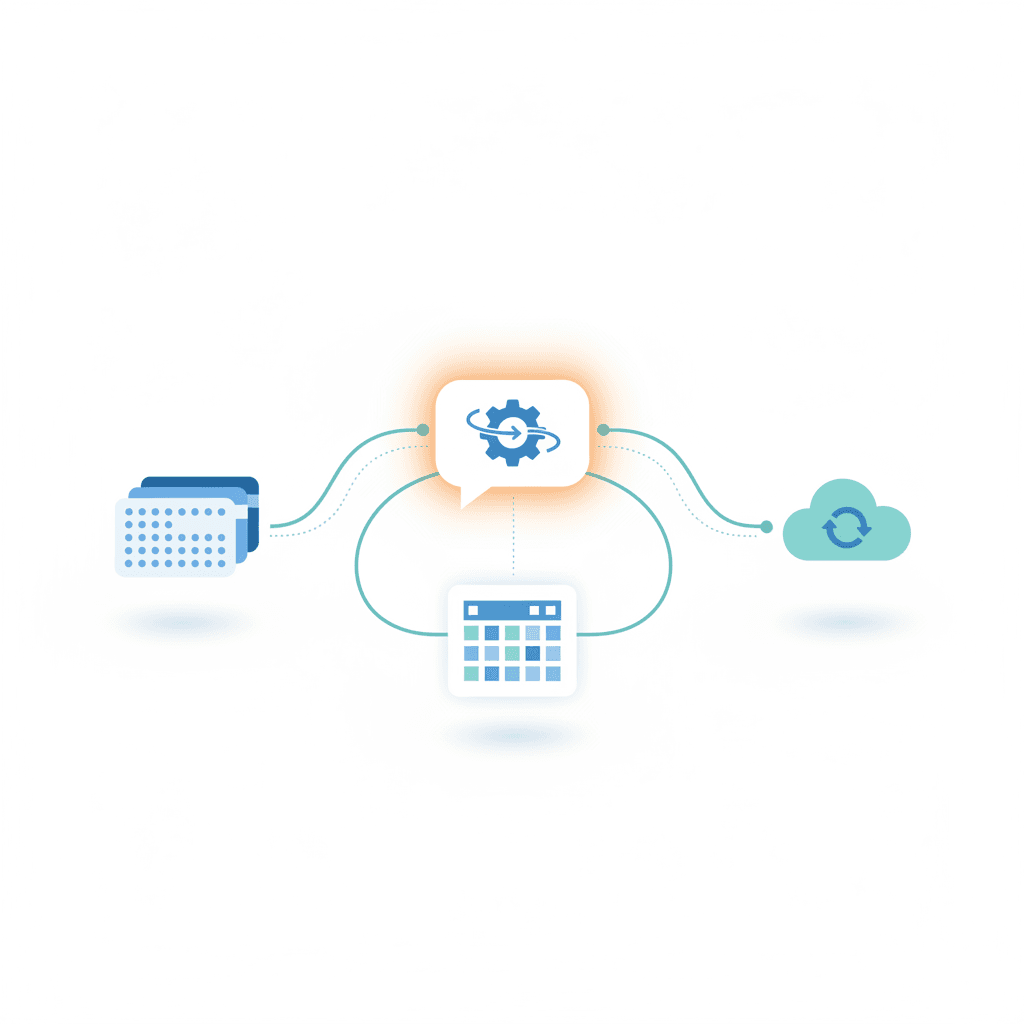
Zapier MCP sits between your AI and your apps. As a result, teams can automate CRM updates, data syncs, and reporting. For example, the AI can call Find Contact and Update Contact in HubSpot. To learn more, see Zapier MCP docs at Zapier MCP Documentation and the HubSpot guide at HubSpot Integration Guide. If you use AI Bots, you can pair them with Zapier MCP for advanced workflows. Visit our AI Bots page at AI Bots Page to explore integrations and tools.
Quick Comparison: Zapier MCP versus Leading Automation Platforms
| Feature | Zapier MCP | Make (Integromat) | Workato | n8n |
|---|---|---|---|---|
| Ease of use | Beginner friendly AI chat interface. Easy prompts and MCP Server setup. See docs: Zapier Documentation | Visual, flow based builder. Slight learning curve for complex logic. | Enterprise focused visual builder. Steeper learning curve. | Developer oriented. Hands on setup and hosting. |
| Pricing | Free tier available. Scales to paid plans and enterprise. Wide action catalog (30,000+). | Free plan with limits. Paid tiers for higher operations. | Higher price point aimed at enterprises. Custom pricing. | Open source core. Self hosted free. Cloud plans cost extra. |
| Integration options | 30,000 plus actions and native app connectors. Integrates with HubSpot: HubSpot Integration | Thousands of app modules, strong API support. | Deep enterprise connectors and applications. | Flexible connectors. Strong for custom integrations. |
| AI and chatbot integration | Native MCP support for AI chat tools and Zapier Agents. Works well for ChatGPT in developer mode. | Integrations via APIs and webhooks. Not built for AI chat natively. | Supports AI via connectors but geared to enterprise workflows. | Can integrate AI with custom code and APIs. |
| Scalability and orchestration | Good for both teams and enterprise. Zapier Agents handle multi step background workflows. | Scales for complex scenarios with modular flows. | Built for large scale enterprise automation. | Scalable when self hosted or via cloud option. |
| Best for | Teams that want AI driven automation and tight CRM workflows. Also see AI Bots at AI Bots | Users who prefer visual flow builders and complex data transformations. | Large enterprises with strict compliance and custom integrations. | Developers and companies that prefer open source control. |
Note: This table focuses on general strengths and trade offs. For technical setup, consult each vendor’s docs linked above.
Benefits and Use Cases of Zapier MCP for Business Automation
Zapier MCP boosts business automation by turning natural language into real app actions. As a result, teams reduce manual work and improve data accuracy. Because the platform supports more than 30,000 actions, it handles many integration needs. Therefore, businesses get fast wins in productivity enhancement and workflow management.
Key benefits
- Faster updates and fewer errors because AI can call Find Contact and Update Contact actions in HubSpot.
- Scalable automation since Zapier Agents run background jobs and orchestrate complex workflows.
- Broad integration options with CRM, spreadsheets, and marketing tools so data stays consistent.
- Lower time to value because teams use simple prompts instead of code.
- Better auditability and control thanks to secure MCP Server endpoints and permissioned tools.
Practical use cases
- CRM hygiene: Prompt the agent to find duplicates and update contact fields automatically.
- Lead routing: As a result, new leads enter workflows and notify reps in real time.
- Meeting notes sync: After calls, the AI writes notes to HubSpot and Google Sheets for reporting.
- Data enrichment: Integrate external APIs to append firmographic data and improve segmentation.
- Recurring reports: Schedule Agents to compile and send performance summaries to stakeholders.
For setup details and API patterns, consult Zapier MCP documentation at Zapier MCP Documentation and HubSpot integration guidance at HubSpot Integration Guidance. Overall, Zapier MCP brings practical automation, measurable productivity gains, and cleaner workflows.
Conclusion
This tutorial showed how Zapier MCP helps automate HubSpot CRM updates and reduce manual errors. As a result, teams save time and keep data accurate. Because Zapier MCP connects AI chat agents to real apps, updates happen faster and with less risk.
AllosAI complements Zapier MCP as a unified AI automation platform. It automates communication, content, and user engagement across channels. Moreover, AllosAI provides AI Bots, workflow templates, integrations, and analytics to streamline operations. Therefore, businesses get a single place to orchestrate AI driven tasks and improve productivity.
For more information visit AllosAI Website, App Platform, and Blog & Knowledge Hub. Explore these resources to see how AllosAI and Zapier MCP work together to power efficient workflow management.
Frequently Asked Questions (FAQs)
What is Zapier MCP?
Zapier MCP connects AI chat agents to real apps. It converts natural language into automated actions. As a result, teams run workflows without code.
Can Zapier MCP update HubSpot contacts?
Yes. Enable the HubSpot Find Contact and Update Contact tools. However, make sure both search and write actions are enabled. Then the AI can find and change records safely.
Does ChatGPT work with Zapier MCP?
ChatGPT supports MCP tools in developer mode. Therefore, set up an MCP Server using ChatGPT as the client. Follow developer mode steps to connect.
Is Zapier MCP secure for business automation?
Yes. Zapier uses secure MCP Server endpoints and scoped permissions. Because access is permissioned, you get better control and auditability.
What if the automation fails to update records?
First, confirm the tool and account connections. Next, verify search and write action settings. Finally, review logs and retry the task. If needed, contact support or consult platform docs.