
Social Media Automation: Optimize Your Posting Strategy
Imagine posting across every platform without the busywork. Social media automation lets teams create, schedule, and optimize content at scale. By using AI-powered scheduling, content curation, and smart rules, brands save hours each week. As a result, they spend more time on strategy and relationships. Today, automation matters for small startups and global enterprises alike. However, the right tools and workflows make the difference between efficient growth and robotic noise.
This article explains practical tactics, core concepts, and pro tips for setting up effective systems. You will learn how triggers, content calendars, sentiment checks, and AI assistants work together. Therefore, you can scale posting without losing brand voice or audience trust. Read on for step-by-step guidance, real use cases, and action items to start automating smartly.
We cover tools like Zapier, ChatGPT, Buffer, and scheduling flows that tie channels together. Plus, you’ll find tips for balancing automation with human oversight and emotional intelligence. Finally, follow the checklist at the end to launch your first automated campaign within days.
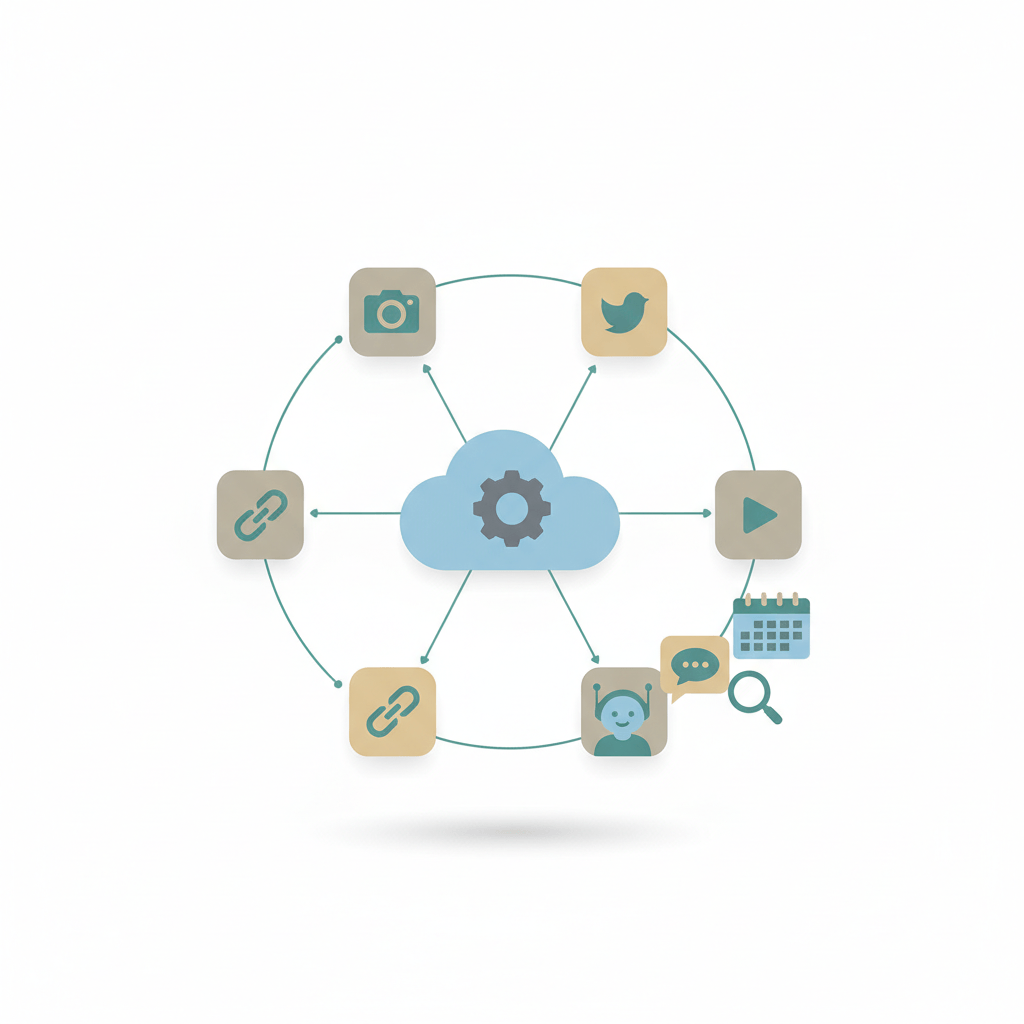
Key Benefits of social media automation
Social media automation removes manual busywork so teams focus on strategy and relationships. As a result, companies scale posting without losing brand voice. This section summarizes the core benefits and explains why they matter for modern marketing.
Core advantages
- Time savings and operational efficiency
- Automation reduces repetitive tasks, like publishing and reporting. Consequently, teams reclaim hours each week to plan campaigns.
- Consistent content scheduling
- Scheduled queues keep publishing steady across time zones. Therefore, your content calendar stays predictable and dependable.
- Enhanced audience engagement
- Smart rules can route comments and mentions to human agents. In addition, sentiment checks help prioritize high-value interactions.
- Data driven insights and optimization
- Automation platforms collect engagement metrics automatically. Thus you can test posting times, formats, and copy faster.
Proof points and expert context
Automation tools make these benefits practical. For example, Zapier calls automated workflows Zaps and offers quick setup for common flows, which streamlines cross app posting. See Zapier here.
Buffer and other schedulers integrate with queues and analytics, so publishing stays consistent across channels. See Buffer here.
Industry thinking also links automation to larger AI trends. For further reading on AI buzzwords and how they affect content ROI, visit this article on AI buzzwords.
Meanwhile, balancing automation with empathy matters for leadership; explore emotional intelligence in AI at this article on emotional intelligence in AI.
Finally, automation fits adaptive marketing strategies that move teams from segments to autonomy: learn more here.
Quote to remember: “Zaps are what we call automated workflows.” Use that as a reminder that well designed automation simplifies work, not people.
| Tool | Key features | Ease of use | Pricing (typical) | Integrations |
|---|---|---|---|---|
| Zapier | Automation workflows, multi step Zaps, triggers and actions, templates | Moderate; visual builder speeds setup | Free tier; paid plans from about $19.99/month | 3,000+ apps including Slack, Google Sheets, WordPress, Buffer. Learn more |
| Buffer | Post scheduling, content queues, calendar view, basic analytics | Very easy; intuitive calendar and queue | Free limited plan; paid plans from around $6/month | Facebook, Instagram, LinkedIn, X, WordPress, Zapier. Learn more |
| Hootsuite | Scheduling, team workflows, social listening, approval flows | Easy for basic publishing; scales to teams | Paid plans typically start near $99/month | Major networks plus RSS, YouTube, Slack. Learn more |
| Sprout Social | Publishing, analytics, CRM, social listening, reporting | Professional tools; steeper learning curve | Enterprise grade pricing; plans often start near $99/user/month | Facebook, Instagram, LinkedIn, X, YouTube, Salesforce. Learn more |
Notes
- Choose Zapier when automation and cross app workflows matter most. As a result, teams can connect custom triggers and actions.
- Choose Buffer for straightforward scheduling and lightweight analytics because it is simple to adopt.
- Choose Hootsuite or Sprout Social for team collaboration and deeper listening when scale is required.
This table helps you pick a starting point. Next, test two tools with a small workflow to compare real world fit.
Implementing social media automation: Practical steps and best practices
Start with a clear goal. Define what you want automation to achieve. For example, increase posting frequency, improve response times, or free team hours for strategy. Therefore, align metrics with business objectives before choosing tools.
Step 1 Select the right tools for social media automation
- Inventory your tech stack and team skills.
- Prioritize tools that support needed integrations and security.
- Test Zap templates or prebuilt flows to move faster because they often reduce setup time.
Step 2 Map workflows and create automated content calendars
- Map triggers, actions, and review points for each channel.
- Build a shared content calendar and queue recurring post types.
- Use templates for captions, images, and CTAs so automation keeps brand voice.
Step 3 Pilot, test, and roll out
- Begin with one campaign or channel.
- Run short pilots to test timing, formats, and audience reaction.
- Collect performance data and human feedback during the pilot.
Step 4 Monitor outcomes and iterate for continuous improvement
- Track engagement, reach, and conversion metrics daily and weekly.
- Use A B tests for posting times and creative because small wins compound.
- Set alerts for negative sentiment so humans can intervene quickly.
Governance and human oversight
- Define review rules and escalation paths for sensitive interactions.
- Assign ownership for content, monitoring, and analytics.
- Finally, document processes and keep teams trained as tools evolve.
By following these steps, businesses adopt social media automation responsibly. As a result, teams scale posting while protecting brand trust and quality.
CONCLUSION
Social media automation transforms how teams publish, engage, and learn. It reduces repetitive work, creates consistent scheduling, and surfaces data for smarter decisions. As a result, brands scale presence without losing voice or trust.
When implemented well, automation improves response times and frees humans for strategy. However, human oversight remains essential for sensitive or complex interactions. Therefore, balance automation with escalation rules and periodic audits.
AllosAI offers a unified AI automation platform that can replace routine social media tasks and first-line support. Its AI-driven capabilities include automated post scheduling, sentiment-aware routing, conversational assistants, and analytics. By combining these features, AllosAI reduces manual workload, speeds responses, and maintains brand tone. Learn more at AllosAI. Try the app at AllosAI App. Visit the knowledge hub for guides at AllosAI Blog and follow updates on X.
If you are ready to scale social posting, start with a small pilot and measure outcomes. Finally, consider AllosAI to transform your social and support workflows into efficient, AI-powered systems.
Frequently Asked Questions (FAQs)
What is social media automation?
Social media automation uses tools and AI to schedule posts, monitor mentions, and route messages. It links triggers, actions, and rules to reduce manual work.
Is automation safe for brand voice and compliance?
Yes when you set guardrails and review flows. Human oversight and approval steps reduce risk. Also, use sentiment alerts to catch issues early.
Which tasks should I automate first?
Start with repetitive tasks: scheduling, content recycling, and basic replies. Next, automate reporting and cross app workflows. Finally, pilot smart routing for mentions.
How do I measure success with social media automation?
Track engagement, response times, reach, and conversions. Run A/B tests for timing and creative. Iterate weekly and document improvements.
Will automation replace social media teams?
Automation handles routine tasks, but it does not replace humans. Instead, it frees teams to focus on strategy and complex conversations. Therefore invest in training and governance.