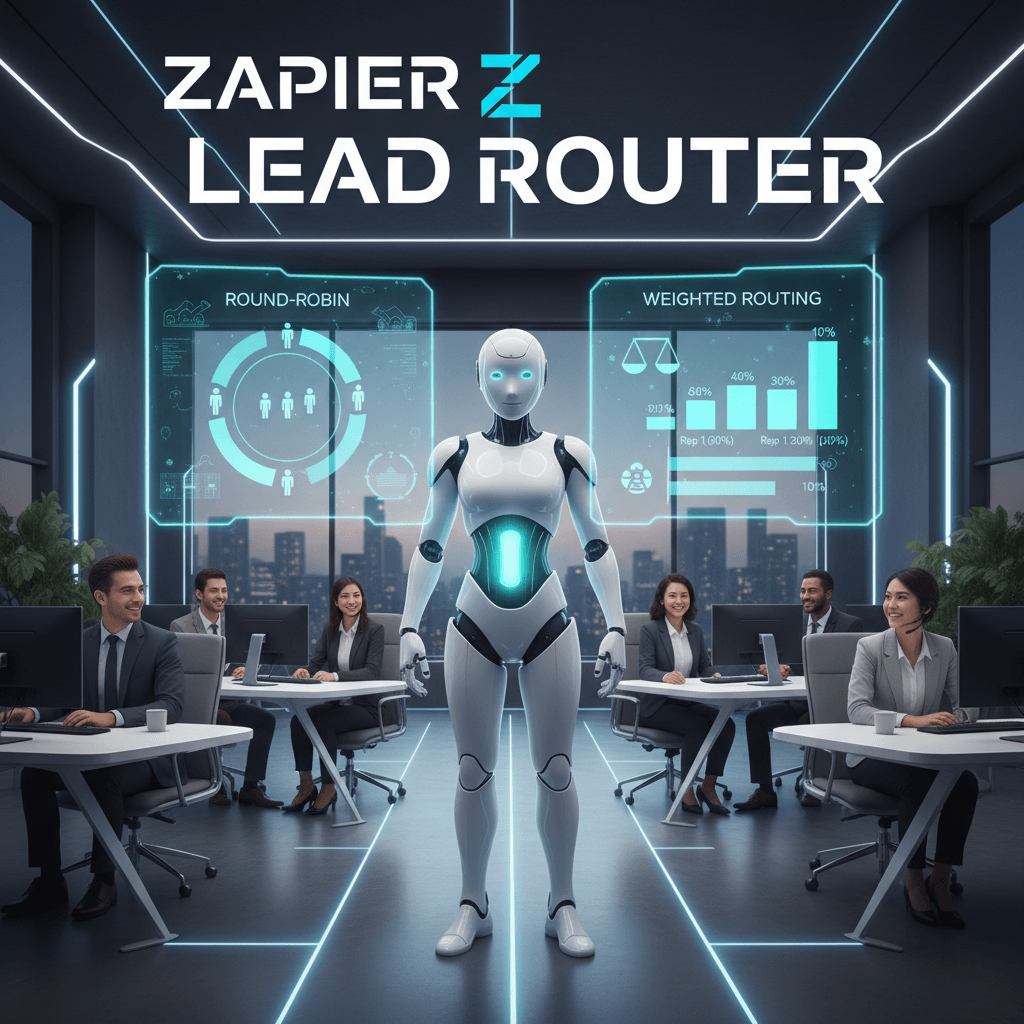
Zapier Lead Router Guide
Zapier Lead Router turns chaotic lead intake into predictable action for fast moving sales teams. It routes new prospects automatically so no lead slips through the cracks. As a result, reps respond faster and conversion rates improve.
Automated lead routing matters because modern workflows span forms, ads, chat, and CRMs. With rules, queues, and fallbacks you can match leads to the right rep by geography, product interest, or lead score. Additionally, you can choose round robin or weighted distribution to balance load. This guide covers lead routing, lead distribution, queues, fallback assignment, CRM integration, and Zap building.
In this tutorial you will learn setup steps, routing strategies, and follow up patterns that scale. Therefore you will be able to build a main Zap and the underlying Zap that powers routing. Because Zapier integrates with many CRMs and webhooks, you can plug routing into almost any stack. Start here to save time.
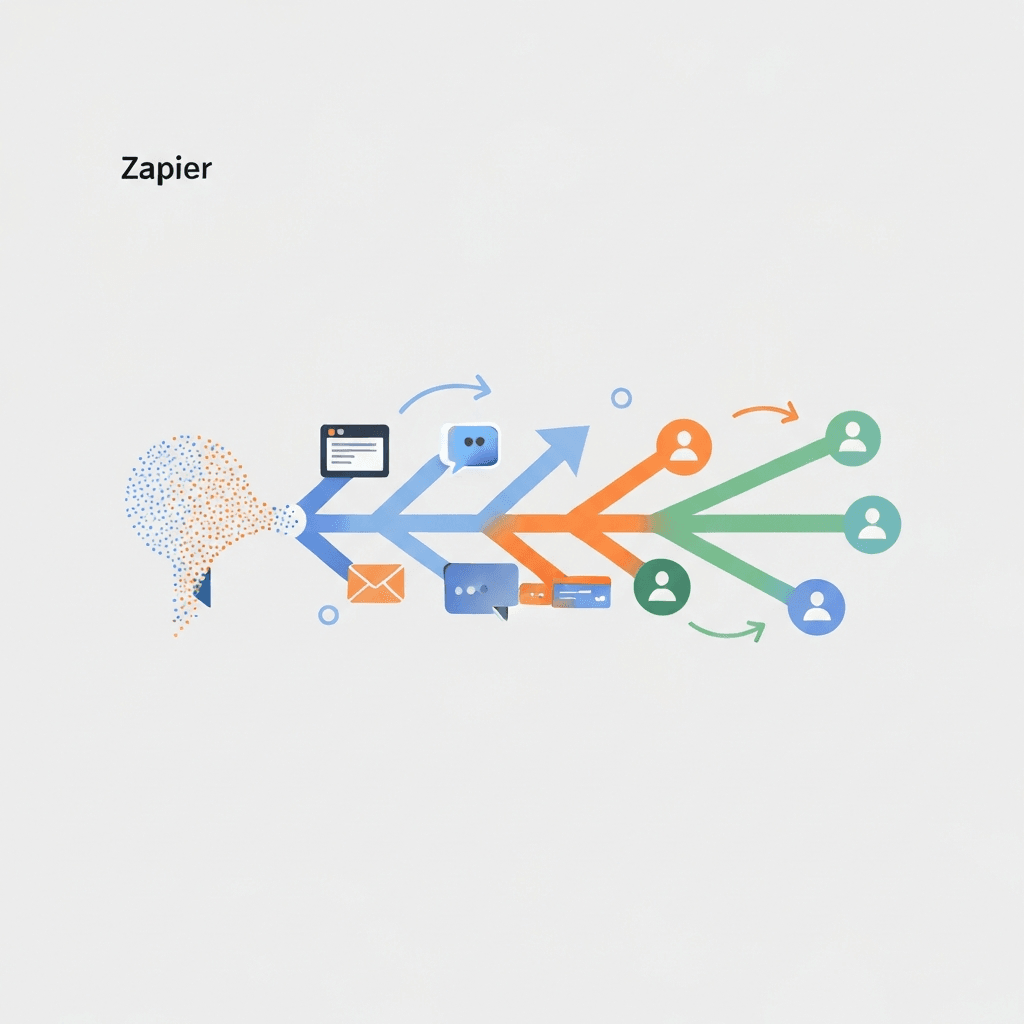
Zapier Lead Router: How it works
Zapier Lead Router automates how incoming leads reach your sales reps. It evaluates form, ad, chat, and CRM inputs. As a result, teams respond faster and waste less time.
At its core, Lead Router uses fields, queues, and rules to map leads to people. You create at least one queue and up to five. Then you set rules that check lead fields like company location or product interest. Every router needs a fallback assignment so leads never go unassigned.
Routing runs across two Zaps. The underlying Zap handles the routing engine. Meanwhile your main Zap sends leads into Lead Router and manages follow up actions.
Key benefits and features
- Faster response times, so conversion chances increase.
- Balanced lead distribution using round-robin or weighted methods.
- Reduced manual work because automation handles assignment.
- Greater workflow efficiency through Zaps and CRM integration.
- Safe fallback assignment ensures every lead gets an owner.
- Scalable queues and weights for growing sales teams.
Setup is simple. First create Fields, add Sales Reps, organize them into Queues, then add Routers and rules. Next build a Zap to Route Lead and handle follow up. Because Zapier integrates with many CRMs and offers webhooks, you can plug routing into almost any stack.
For details visit Zapier’s Lead Router page and see a starter template at this link. To explore AI-assisted workflows, check AI Support Agent.
Benefits of Zapier Lead Router
Below is a quick comparison of top benefits provided by Zapier Lead Router. It highlights automation, lead distribution, queues, and workflow efficiency. Therefore, use this table to decide which features matter most.
| Benefit | Description | Impact on Business |
|---|---|---|
| Faster response times | Automates lead assignment via rules and queues using Zaps and webhooks. | Higher conversion rates and shorter sales cycles. |
| Balanced lead distribution | Supports round-robin and weighted distribution to equalize rep load. | Fair workloads and consistent coverage across teams. |
| Reduced manual work | Removes manual routing tasks and duplicates using field mapping and rules. | Fewer errors and lower admin costs. |
| Workflow efficiency and CRM integration | Integrates with CRMs like Salesforce and HubSpot and via webhooks. | Single source of truth and smoother follow up. |
| Scalable routing with fallback | Create up to five queues and add fallback assignments to avoid gaps. | Reliable assignments as teams grow and change. |
Zapier Lead Router
Zapier Lead Router connects the apps that capture leads to the rules that assign them. Therefore, it powers consistent lead routing across channels. Below are practical integration options and use cases where it works best.
Lead capture integrations
Connect form and ad platforms so leads flow automatically into your router. For example, use Typeform to capture form responses and send them directly to the router via Typeform. In addition, pull leads from Facebook Lead Ads or LinkedIn Ads and funnel them in. Also, push webhooks from custom landing pages to Zapier when native integrations are not available. For CRM sync, route leads into systems like Salesforce or HubSpot. As a result, you keep a single source of truth for contacts.
Automation workflows and timely follow-up
Use automation workflows to trigger immediate follow-up actions after routing. First, the router runs inside an underlying Zap while a main Zap injects incoming leads. Next, apply rules that match fields like company location or product interest. Then assign by round-robin or weighted distribution, and include a fallback assignment to avoid gaps. For example, send Slack alerts, create CRM records, or start an email sequence. As a result, reps get leads fast, and prospects receive timely outreach.
Real teams use this setup for multi-channel lead routing, lead qualification handoff, and SLA-driven follow-up. In short, Zapier Lead Router scales routing across tools and automates predictable handoffs so sales teams move faster.
CONCLUSION
Zapier Lead Router streamlines lead routing and follow-up with rules, queues, and automated Zaps. It removes manual assignment and speeds response. As a result, teams close leads faster and maintain better coverage.
Because it supports round-robin and weighted distribution, you balance rep workloads. In addition, fallback assignments prevent lost leads. The two-Zap architecture, with an underlying Zap and a main Zap, makes routing flexible and easy to connect to CRMs.
Beyond efficiency, Zapier Lead Router improves workflow efficiency, lead distribution accuracy, and CRM sync. Therefore, it reduces admin time and lowers operational costs. For growing teams, it scales without complex engineering or extra headcount.
AllosAI complements this setup as a unified AI automation platform. It integrates customer support, social media, and lead capture automation to enhance outreach. As a result, businesses reduce operational costs and improve audience interaction. Learn more on the AllosAI app and the knowledge hub.
In short, smart automation transforms chaotic lead flows into predictable pipelines. Start small, iterate, and measure results to get faster wins.
Frequently Asked Questions (FAQs)
What is Zapier Lead Router and how does it work?
Zapier Lead Router is an automation tool that routes incoming leads to the right sales reps. It evaluates lead fields, applies rules, and assigns leads to queues. The router runs on two Zaps: an underlying Zap for routing logic and a main Zap that injects leads and handles follow up. As a result, teams respond faster and maintain consistent coverage.
How easy is integration with CRMs and lead capture tools?
Integration is straightforward. Zapier supports many CRMs and common lead sources. Therefore you can connect Typeform, Facebook Lead Ads, LinkedIn Ads, and custom webhooks. In addition, you can sync routed leads into CRMs like Salesforce or HubSpot. As a result, you keep a single source of truth for contacts.
What business benefits will I see?
Key benefits include faster response times, balanced lead distribution, and less manual work. You get scalable queues, weighted distribution, and fallback assignments to avoid lost leads. Consequently you reduce admin costs and improve conversion rates.
What if leads are not routing correctly?
First check your field mappings and routing rules. Next verify that the main Zap and underlying Zap are active. Also confirm queues have assigned reps and that you did not exceed five queues. If problems persist, test incoming webhooks and review Zap task logs for errors. Finally, add a fallback assignment so every lead gets an owner.
How does pricing and task usage work?
Zapier Lead Router is currently in beta and available on all Zapier plans. For a limited time through March 2026, successfully routed leads do not count toward task usage on modern plans. Therefore you can test routing without inflating task counts. Check your Zapier plan details for long term limits.