
Introduction: Why Zapier Automation Matters
Zapier automation is reshaping how teams work, and it starts with simple, repeatable tasks. By connecting thousands of apps, it moves data and actions across tools automatically. Because it removes manual handoffs, teams save time and reduce costly errors. Therefore businesses scale workflows faster and free staff for higher value work. Zapier works with 8,000+ apps, so integrations are broad and practical. Moreover, its low code approach lets nontechnical staff build automations quickly. As a result, deployment no longer blocks innovation or centralizes control in few hands. Zapier also includes features like Tables, Forms, Agents, and Copilot to boost automation. For enterprises, Zapier offers security controls such as SSO, auditing, and admin dashboards. Read on to learn practical steps, cost considerations, real-world use cases, and templates. Let’s get started together.
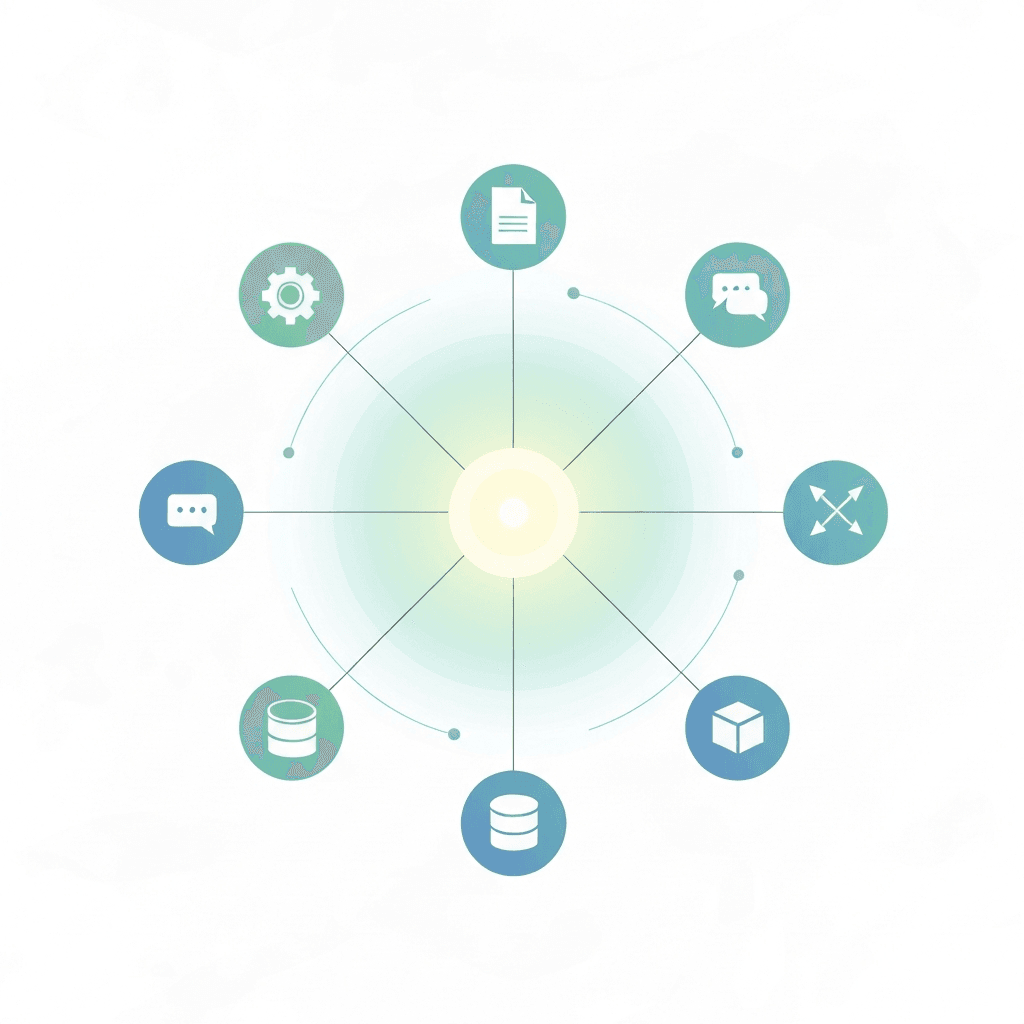
How Zapier automation Works
Zapier automation links apps through simple triggers and actions. A trigger starts when an event happens, such as a new form entry. Then Zapier runs one or more actions in other apps, for example creating leads or sending emails. You can chain steps, add filters, format data, and use looping or branching logic. Because Zapier connects to 8,000+ apps, integrations cover most business tools. In addition, templates speed setup and low code builders let nontechnical staff configure workflows. For advanced needs, Zapier offers Tables, Agents, Copilot, and Functions. Finally, its pay-per-task billing makes costs predictable and transparent.
Typical business examples include
- Automate email marketing: when a new lead signs up, add the contact to Mailchimp and send a welcome message automatically. This saves time and keeps outreach timely. Learn how Zapier AI assistant can unlock hours
- Sync CRM and spreadsheets: when sales create or update a record, mirror the data in Google Sheets without manual entry. This reduces errors and speeds reporting. See middleware integration insights
- Route support and alerts: when Zendesk gets a new ticket, post a summary to Slack and assign an owner. As a result, teams respond faster.
- Schedule social posts: publish content across platforms from a single form or calendar. For more real-world workflows, visit
Key features and benefits
- Event driven triggers and multi step actions for reliable orchestration
- Built in filters, formatters, looping, and error handling to clean data quickly
- Templates, low code builders, and prebuilt integrations for fast deployment
- Enterprise controls including SSO, audit logs, and admin dashboards for governance
- Predictable pay per task pricing and broad app coverage to scale workflows
Comparison: Zapier automation and Popular Alternatives
Below table compares Zapier with other automation tools across features, ease of use, pricing, integrations, and ideal users. It highlights Zapier strengths like broad app coverage and low code builders.
| Tool | Key features | Ease of use | Pricing model | Integrations | Ideal users |
|---|---|---|---|---|---|
| Zapier | Prebuilt Zaps, Tables, Forms, Agents, Copilot, Functions; no code automation | Very easy for nontechnical users; templates speed setup | Pay per task; predictable scaling | 8,000 plus apps for broad coverage | Small teams to enterprises needing fast automation |
| Make | Visual scenario builder; advanced logic and iterators | Moderate; steeper learning curve | Credit based per step; costs can grow with polling | ~3,000 integrations | Technical teams building complex flows |
| Microsoft Power Automate | Deep Microsoft and Office connectors; enterprise security | Moderate to easy for Microsoft users | Per user or per flow plans | Strong enterprise connectors especially Microsoft | Microsoft centric enterprises |
| Workato | Enterprise grade connectors and orchestration | Complex; requires expertise | Enterprise pricing; higher cost | Broad enterprise integrations | Large companies with integration teams |
| IFTTT | Simple triggers; consumer focused automations | Very easy for single step automations | Freemium for basic users | Fewer enterprise connectors | Individual users and simple automations |
Benefits of Zapier automation
Zapier automation speeds routine work so teams focus on strategy. Because it removes manual transfers, it reduces data errors and delays. In addition, Zapier’s wide integrations connect CRM, email, tickets, and spreadsheets. As a result, reporting and handoffs become faster. Teams deploy templates or build Zaps in minutes, so nontechnical staff automate without waiting for engineers. Moreover, pay per task billing keeps costs predictable for most small and mid sized flows.
Key benefits
- Efficiency gains: automations run 24/7 and complete tasks instantly.
- Error reduction: automated mapping cuts manual entry mistakes.
- Faster scaling: workflows scale without hiring more staff.
- Low code access: templates, Copilot, and Agents speed adoption.
- Governance: enterprise plans include SSO, audit logs, and admin controls.
Potential challenges when adopting Zapier automation
Despite strong benefits, teams may face limits. First, some niche apps lack deep integrations. Second, complex logic can require careful design or external tooling. Third, costs rise with very high task volumes, so monitor usage regularly. Finally, teams must plan error handling, retries, and data hygiene to keep automations reliable. However, with clear governance and testing, most organizations realize strong ROI quickly.
CONCLUSION
Zapier automation delivers clear gains in speed, accuracy, and scale for everyday workflows. By connecting thousands of apps, it eliminates manual handoffs and frees teams for higher value work. As a result, organizations reduce errors and accelerate reporting while keeping costs predictable with pay per task billing.
AllosAI complements Zapier by adding AI orchestration and intelligent agents to existing automations. For example, AllosAI can enrich data, summarize conversations, or drive decision logic alongside Zaps. Learn more at AllosAI and explore the platform at AllosAI App. For practical guides and updates, visit the knowledge hub at AllosAI Blog.
Looking ahead, combining no code automation with purpose built AI agents creates more resilient workflows. Therefore teams can automate deeper processes, surface smarter insights, and scale impact faster. With careful design and governance, automation plus AI will keep delivering measurable business value.
Frequently Asked Questions (FAQs)
What is Zapier automation?
Zapier automation connects apps using triggers and actions so tasks run automatically. It moves data, executes steps, and can include filters, loops, and functions.
How fast can I set up a Zap?
Many templates take minutes to configure. Simple Zaps are quick. More steps or logic take longer but remain low code.
Will Zapier work with my tools?
Zapier connects to over 8,000 apps, covering most CRMs, email platforms, spreadsheets, and chat tools. Check app availability in Zapier.
How does pricing work?
Zapier charges per completed task. Monitor usage because high volumes increase costs. Optimize triggers, batching, and error handling to save credits.
How do I keep automations reliable and secure?
Test workflows, add retries and error handling, maintain data hygiene, and use enterprise features like SSO and audit logs for governance.