Automate ChatGPT: Turn webinars, RSS, and forms into scheduled social posts
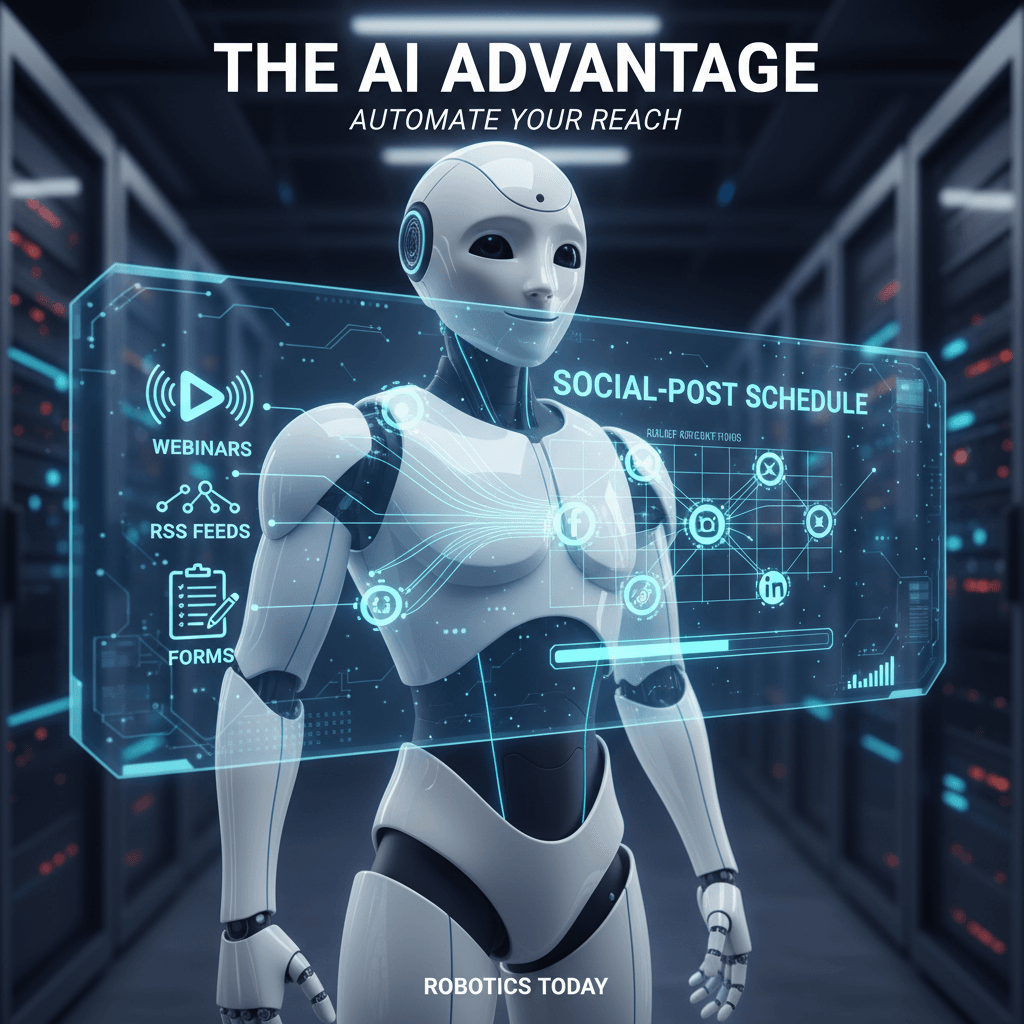
Today, Automate ChatGPT is changing how businesses scale content creation. It links AI to your tools and workflows without heavy engineering. For example, you can convert webinars into bite sized posts or transform RSS feeds into scheduled image driven updates. Moreover, this approach automates transcription, summarization, image generation, and multi channel publishing.
In this guide we will show how to wire ChatGPT into Zapier and your CRM so you can automatically transcribe webinar audio, extract highlights, generate social images, schedule posts, route leads to your sales tools, and measure performance; therefore you will save time, maintain brand voice, reduce manual errors, and scale content output across LinkedIn, X, Instagram, and email nurturing sequences with tools like Slack, Google Sheets, Airtable, and Gemini assisting visual generation and distribution, while also enabling automated A/B testing of copy, conditional posting based on engagement triggers, centralized analytics, and faster lead qualification via summaries sent to Salesforce or HubSpot, and because modern models like GPT-4o mini and GPT-5.4 offer scalable context windows and affordable pricing, you can run these pipelines reliably and cost effectively for teams of any size.
Automate ChatGPT applications: Where to use AI automation in your workflows
Automate ChatGPT unlocks practical uses across marketing, sales, and support. Because it integrates with your tools, teams can automate repetitive tasks. For example, you can transcribe webinars and publish excerpts as scheduled social posts.
Key applications and use cases
- Content repurposing and publishing — Convert webinars, RSS feeds, and forms into captioned images and timed posts. This reduces manual editing and speeds content output.
- Lead capture and qualification — Use chatbot integration to parse form submissions, score leads, and push summaries to Salesforce or HubSpot. As a result, sales teams respond faster.
- Support automation and knowledge base — Build AI assistants that answer common questions, route tickets, and draft replies. This improves response time and consistency.
- Analytics and optimization — Automate A/B tests, tag performance metrics, and feed results into dashboards. For brand audits and AI optimization, see this article.
Tools and integrations
Connect via Zapier to more than 8000 apps, including Slack and Google Sheets here, or learn how entrepreneurs scale workloads with AI automation at this blog post. To reduce risks, review data leak prevention best practices here.
Automate ChatGPT benefits by industry
Automate ChatGPT streamlines workflows across sectors. Because it combines AI automation, chatbot integration, and workflow automation, teams scale faster.
| Industry | Key Benefits | Example Use Cases |
|---|---|---|
| Retail | Faster content creation; personalized product recommendations; automated inventory alerts; higher conversion rates. | For example, generate product posts from RSS or catalogs; convert demo webinars into bite sized social posts; deploy chatbots for product FAQs. |
| Customer support | Faster response times; consistent answers; automated ticket triage; lower support costs. As a result, teams handle more queries. | Summarize tickets and route them to agents; transcribe calls and create knowledge base articles; automate reply drafts. |
| Marketing | Consistent brand voice; more content at scale; accelerated A/B testing; improved campaign ROI. | Automate scheduling from webinars, RSS, and forms; generate images and captions; run iterative copy tests across channels. |
| Lead generation | Faster lead qualification; enriched contact profiles; better routing to sales; shorter sales cycles. | Parse form submissions and score leads; push summaries to CRMs like Salesforce or HubSpot; therefore trigger tailored nurture sequences. |
Implementation tips and best practices for Automate ChatGPT
Deploying Automate ChatGPT successfully requires planning, iteration, and attention to risk. Below are practical strategies to guide AI chatbot deployment and improve automation efficiency.
Plan your integration
- Start small and iterate. Build one pipeline first, because simple wins prove value quickly.
- Map data flows and touchpoints. For example, note where webinars, RSS, and forms enter your stack.
- Choose connectors and triggers. Zapier often works well; see available apps at Zapier Integrations.
Choose the right model and costs
- Match model capability to task. Use GPT-4o mini for routine automation and GPT-5.4 for complex work. This balances cost and performance.
- Estimate token usage. Therefore you avoid surprises in billing and can forecast ROI.
Design prompts and templates
- Create standardized prompts and templates. As a result, the bot keeps a consistent tone and brand voice.
- Include examples and edge cases in prompts. For example, show desired summary length and preferred keywords.
- Validate outputs with human review early on, and then reduce reviews as confidence grows.
Secure data and governance
- Protect PII and sensitive data. Therefore redact or encrypt fields before sending them to the model.
- Apply role based access controls and audit logs. For guidance on preventing data leaks, read Prevent AI Data Leaks.
- Build retry and fallback logic to handle API errors and rate limits.
Monitor performance and iterate
- Track metrics like throughput, response quality, and conversion lift. Then tie these to business KPIs for clearer ROI.
- Run controlled A/B tests for copy and cadence. For optimization frameworks and audits, consider AI Optimization Audit.
- Automate reporting to dashboards and alerts so teams respond to issues fast.
Common pitfalls to avoid
- Avoid overautomation without oversight, because it can harm CX.
- Do not ignore prompt drift; refresh templates regularly.
- Do not neglect legal and compliance reviews before full rollouts.
For entrepreneurs scaling workloads with AI, see this practical guide: AI Automation for Entrepreneurs. Follow these steps to reduce friction, boost automation efficiency, and maximize ROI from Automate ChatGPT.
Conclusion
Automate ChatGPT helps teams scale content pipelines and streamline customer interactions. It converts webinars, RSS feeds, and form responses into scheduled posts and images. As a result, teams save time, keep brand voice consistent, and reduce manual errors. Moreover, AI automation improves lead qualification and support triage without adding headcount.
AllosAI offers a comprehensive platform to run these automations at scale. The platform provides an AI operational layer between brands and audiences, enabling real-time orchestration of messages and assets. It also supports chatbot systems deployment for first line support and integrates with CRMs for faster lead routing. In addition, the Social Media Hub automates content generation, scheduling, and image creation so you can replace repetitive social tasks and first line support without expanding your team.
Explore AllosAI to streamline AI driven communication and marketing automation. Visit the website at AllosAI, try the app at AllosAI App, or read practical guides in the blog at AllosAI Blog. Start by testing one pipeline, measure impact, and then scale confidently.
Frequently Asked Questions (FAQs)
What is Automate ChatGPT?
Automate ChatGPT is a set of automated workflows that connect ChatGPT to your apps. It converts webinars, RSS feeds, and form submissions into transcriptions, summaries, images, and scheduled posts. This AI automation reduces manual work and scales content output.
How can it benefit my business?
It speeds content creation, improves lead qualification, and reduces support load. For example, it transcribes webinar audio, extracts highlights, generates social images, and pushes leads to CRMs. Therefore your team saves time, keeps brand voice, and increases throughput.
Is it difficult to implement?
No. Start small and iterate on one pipeline. Use connectors like Zapier and simple three step Zaps for many tasks. Choose a model that fits the job, such as GPT-4o mini for routine work. Also validate outputs with human review early on.
Can it integrate with existing systems?
Yes. Automate ChatGPT integrates with CRMs, Slack, Google Sheets, and more. Because Zapier supports thousands of apps, you can connect to Salesforce or HubSpot. As a result, workflows can push summaries and create tickets automatically.
What support does AllosAI offer?
AllosAI delivers an AI operational layer and a Social Media Hub for content automation. It supports chatbot deployment, onboarding, templates, and monitoring tools. In addition, the platform helps you measure ROI and scale automation efficiently.