Stuck choosing the right automation tool?
Zapier vs. Lindy is the question many teams face today.
Both promise to streamline routine work and scale complex processes.
However, they take different approaches to automation.
Moreover, Zapier has years of integration depth, mature enterprise controls, and robust uptime.
In contrast, Lindy builds AI agents, supports voice calls and web scraping, and embraces agent templates.
Meanwhile, Lindy leans into agent builders and novel AI orchestration.
Both platforms aim to cut manual tasks and improve workflow efficiency.
Choosing between them affects productivity, costs, compliance, and developer effort.
Therefore, this comparison will examine integrations, pricing models, security, and AI capabilities.
It will also include migration tips and real world scenarios.
Read on to find which platform best fits your team and use cases.
This guide uses plain language and hands-on tips.
Expect side by side examples and cost comparisons.
We will highlight real customer use cases and migration checklists.
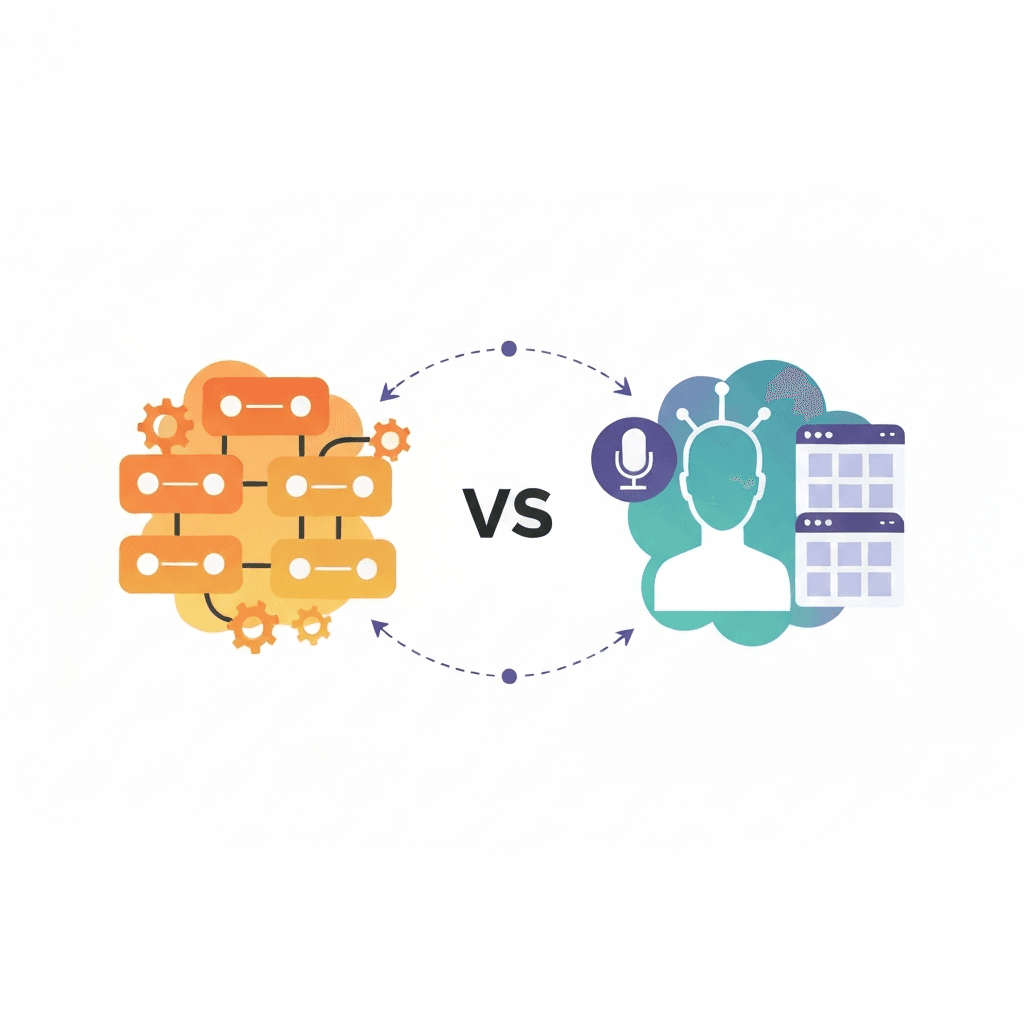
Zapier vs. Lindy: Feature-by-Feature Analysis
Zapier vs. Lindy: Ease of use
- Zapier offers a polished, no code editor and drag and drop builder. Therefore teams can build simple automations quickly. For more complex flows, Zapier provides Canvas and Paths to map logic. See Zapier for examples and templates.
- Lindy focuses on AI agents and templates. As a result, onboarding centers on agent setup and prompts. Lindy uses agent templates to speed builds, and it supports voice and phone workflows. Explore Lindy.
- Overall, Zapier feels familiar to integration builders. However, Lindy simplifies AI agent creation for customer and voice tasks.
Zapier vs. Lindy: Automation capabilities
- Zapier excels at task-based triggers and actions across thousands of apps. It supports conditional logic, sub Zaps, and AI tasks via Copilot.
- Lindy shines with AI orchestration, voice agents, and computer automation. For example, it can run web scrapers and start computer sessions through partners.
- Therefore choose Zapier for broad, reliable task automation. Choose Lindy for agent centered, AI first workflows.
Integration options
- Zapier connects 8,000 plus native integrations, which means less custom code for most apps. See Zapier for the integrations directory.
- Lindy connects apps via Pipedream and Apify, plus a smaller set of native links. As a result, Lindy can reach around 7,000 apps through partners.
- In short, Zapier offers deeper built in integration coverage. Meanwhile Lindy leverages partners to expand reach quickly.
Pricing and plans
- Zapier has a free tier and task based pricing starting at $19.99 per month for Professionals. Therefore small teams can start with low cost.
- Lindy starts with a Pro plan around $49.99 per month and does not offer a free tier. However it includes agent templates and voice features.
- Consider task volume, agent actions, and voice minutes when estimating costs.
Customer support and enterprise features
- Zapier provides mature enterprise security, SSO, SCIM, audit logs, and a 99.99 percent uptime SLA. Visit Zapier Security for details.
- Lindy Enterprise added SSO, SCIM, SOC 2 Type II, HIPAA and GDPR compliance in late 2025. Therefore Lindy now targets regulated customers.
- Both vendors offer documentation, developer tools, and onboarding support. Choose Zapier for integration depth and uptime. Choose Lindy for AI first features and phone handling.
| Criteria | Zapier | Lindy |
|---|---|---|
| Features | Broad task automation; Zaps, Canvas, Paths, and Copilot; mature enterprise controls. | AI agents and agent builder; voice calls; web scraping; computer automation (Start Computer Session). |
| Pricing | Free plan with 100 tasks per month; Professional from $19.99 per month; task based billing and Agents Pro add on. | No free plan; Pro starts at $49.99 per month; agent templates included; account for voice minutes and agent actions. |
| Integrations | 8,000 plus native integrations for deep, built in app coverage. | Around 7,000 apps via Pipedream and Apify; fewer native connectors but strong partner reach. |
| User Interface | Polished no code editor and drag and drop builder; Canvas helps map complex flows. | Agent centric, template driven UI; prompt based setup and AI orchestration focus. |
| Customer Support | Extensive documentation, developer tools, and enterprise features like SSO, SCIM, audit logs and 99.99% SLA. | Growing documentation and templates; Enterprise offers SSO, SCIM, SOC 2 Type II, HIPAA and GDPR compliance. |
| Ideal Use Case | Teams that need broad integrations, proven reliability, and mature enterprise security. | Teams that prioritize AI agents, voice workflows, and specialized scraping or computer automation. |
Zapier vs. Lindy: Real-World Use Cases and Benefits
Automation transforms work. Below are common business contexts with concrete examples and measurable outcomes showing where Zapier or Lindy adds value.
Marketing automation and demand gen
- Zapier: lead routing, enrichment, and cross tool sync for workflow automation.
- Lindy: AI agents personalize outreach and run voice follow ups.
Measurable outcomes
- Zapier: cuts lead routing time by 70% and processes 1,200 leads per day.
- Lindy: increases qualified leads by 20% and saves 30 minutes per campaign with AI agents.
Customer support and call workflows
- Zapier: automates ticket creation, priority routing, and SLA alerts to streamline incident management.
- Lindy: voice agents and callbacks for phone handling.
Measurable outcomes
- Zapier: lowers ticket triage time by 40%.
- Lindy: handles 200 automated calls per day and reduces average handle time by 25% using voice AI agents.
Small business operations and sales
- Zapier: fast, low-cost automations and simple RPA for app syncs.
- Lindy: deploys AI agents for prospecting, scheduling, and follow up.
Measurable outcomes
- Zapier: saves about 10 hours per week for an SMB through invoicing and sync automations.
- Lindy: boosts outreach efficiency by 35% and books 50 meetings per month with agent workflows.
Data scraping, RPA, and computer automation
- Zapier: broad orchestration and data syncs for routine jobs.
- Lindy: excels at web scraping, Start Computer Session automation, and multi step RPA.
Measurable outcomes
- Zapier: automates syncs across 12 tools with a 99% success rate.
- Lindy: extracts 10,000 records per week via Apify and cuts manual scraping time by 90%.
Choose based on priorities. Pick Zapier for integration breadth and uptime. Pick Lindy for AI agents, voice workflows, or advanced RPA.
Conclusion
In short, the Zapier vs. Lindy comparison shows two clear approaches to automation. Zapier prioritizes broad integrations, mature reliability, and enterprise controls. Meanwhile, Lindy focuses on AI agents, voice workflows, and specialized scraping. Both platforms cut manual work and raise productivity.
For enterprises and teams that need proven uptime, deep app coverage, and granular access controls, Zapier is the practical choice. It scales with task based pricing and mature governance. As a result, large organizations often favor Zapier for mission critical orchestration.
For teams that need conversational agents, phone handling, or browser automation, Lindy gives an AI first toolkit. Therefore you can build agent templates, automate scraping, and route calls without heavy engineering. Lindy now adds enterprise grade compliance for regulated workloads.
AllosAI integrates AI automation with social media and customer support to streamline workflows without expanding headcount. Visit AllosAI to learn more, try the product at the AllosAI app, or read guides at the AllosAI blog. Because automation should free teams to focus on strategy, choose tools that match your growth goals.
Explore efficient automation solutions and start building smarter workflows today.
Frequently Asked Questions (FAQs)
Which is better for my team: Zapier vs. Lindy?
Choose based on needs. If you need broad, proven integrations and enterprise uptime, pick Zapier. However, if you need AI agents, voice handling, or scraping, Lindy fits better.
How easy is setup and integration?
Zapier offers a no code, drag and drop builder and thousands of native apps. Therefore most teams connect apps fast. Lindy uses agent templates and partner connectors; as a result some setups require learning agent prompts.
How do pricing models differ?
Zapier includes a free plan with 100 tasks per month and task based tiers from $19.99. Lindy starts around $49.99 per month and uses agent action and voice usage. Consider task volume and voice minutes when budgeting.
Which is best for customer support and phone workflows?
Lindy provides AI voice agents and phone handling across many languages. Meanwhile Zapier automates ticket flows and routing across help desks. Use Lindy for call automation and Zapier for ticket orchestration.
What about security and enterprise features?
Both vendors offer SSO, SCIM, and audit logs. Zapier adds a 99.99% uptime SLA and broad compliance. Lindy now offers SOC 2 Type II, HIPAA, and GDPR for regulated teams.