Automate ChatGPT with Zapier: Build smarter, faster workflows
Automate ChatGPT with Zapier to turn prompts into actions across your tools. This ChatGPT integration lets you trigger responses, route data, and update systems automatically. As a result, teams save time and reduce repetitive work.
Imagine routing leads from forms into CRM and generating follow up drafts automatically. Because Zapier connects to thousands of apps, you get flexible automation across Gmail, Google Sheets, Slack, and Airtable. For example, a 3-step Zap can gather form data, call ChatGPT for a response, and then post results in Slack. Therefore, you can scale content generation, lead nurturing, and summarization without code.
In this guide, we explain templates, triggers, and best practices for AI automation. We also compare recommended models like GPT-4o mini and GPT-5.2 for different tasks. By the end, you will know how to build reliable Zaps and AI-powered agents. Start simplifying workflows today and keep more time for strategy.
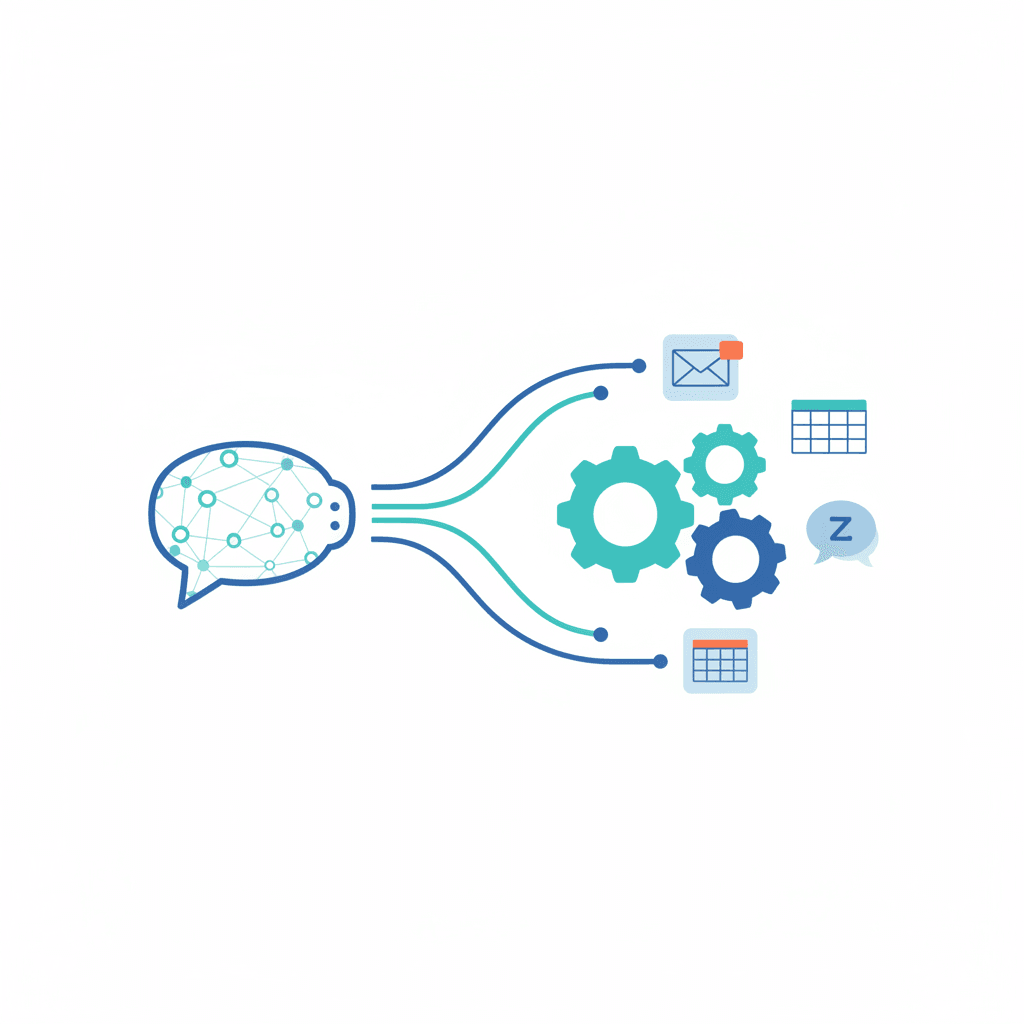
How to Automate ChatGPT with Zapier: Quick setup
Follow these steps to connect ChatGPT to your apps using Zapier. Each step focuses on clarity, so you can build reliable automation fast.
- Choose a trigger app and event
- Pick the app that starts the workflow. For example, choose Google Forms, Airtable, or Gmail.
- Select the trigger event that fires the Zap. For example, new response, new row, or new email.
- Test the trigger to confirm Zapier receives a sample payload.
- Add a ChatGPT action step
- In Zapier, select the ChatGPT app and add an action. Use the action that sends a prompt to ChatGPT.
- Map fields from the trigger into the prompt. For example, insert name, message, or form answers.
- Choose a model. For routine tasks, prefer GPT-4o mini. For complex agentic tasks, use GPT-5.2.
- Set parameters like temperature, max tokens, and stop sequences to control outputs.
- Add follow-up action steps
- Route ChatGPT outputs to other apps. For example, update Google Sheets or send a Slack message.
- Common architectures use three steps: trigger, ChatGPT, and action. Therefore, plan two or three follow-ups.
- Test each step to validate mapping and formatting.
- Turn on and monitor your Zap
- Enable the Zap when tests pass. Then watch logs and task history.
- Enable retries and error notifications to catch failed runs.
Automate ChatGPT with Zapier: Tips and common pitfalls
Tips
- Keep prompts focused. As a result, ChatGPT returns concise, useful outputs.
- Sanitize inputs to avoid leaking sensitive data. Also, remove irrelevant fields.
- Use templates and variables for consistent outputs across Zaps.
- Monitor costs by tracking token usage and model selection.
- Consider using integrated AI chat interfaces if you need a managed product link.
Common pitfalls to avoid
- Don’t send huge context windows unnecessarily. This increases cost and latency.
- Avoid vague prompts that require multiple clarifying steps. Instead, craft explicit instructions.
- Don’t forget to map required fields. Missing data causes runtime errors.
- Avoid exposing API keys in public Zaps or shared folders.
For real world examples and best practices, see related resources like AI workplace collaboration and enterprise statistics at enterprise AI statistics. For the ChatGPT Zapier integration, check ChatGPT Zapier integrations.
| Platform | Key features | Ease of use | Pricing plans | Best use cases |
|---|---|---|---|---|
| Zapier | Connects 8,000+ apps; no-code Zaps; reliable triggers and actions | Very easy; drag-and-drop Zap builder | Free tier; Starter, Professional, Team plans; pay per task | ChatGPT automation, CRM workflows, marketing automation |
| Make | Visual scenario builder; complex data transformations; HTTP and webhook support | Moderate; visual canvas has learning curve | Free tier; Core, Pro, Teams pricing | Multi-step API workflows, data parsing, image processing |
| Microsoft Power Automate | Deep Microsoft 365 integration; RPA and AI builder | Moderate; best for Microsoft users | Per flow and per user plans; enterprise pricing | Enterprise workflows, RPA, Office automation |
| IFTTT | Simple applets for device and consumer automations | Very easy; one-step applets | Free tier; Pro with unlimited applets | Consumer automations, IoT triggers, simple tasks |
| Workato | Enterprise integration platform with prebuilt recipes and governance | Moderate to advanced; enterprise focus | Custom enterprise pricing | Complex integrations, secure enterprise automation |
| n8n | Open-source workflows; self-hosting and cloud options | Moderate; requires technical setup for self-host | Free self-hosted; cloud plans start small | Developer-led automation, custom connectors, privacy-focused setups |
Real-world use cases: Automate ChatGPT with Zapier
Automating ChatGPT with Zapier unlocks practical AI across industries. Teams convert repetitive tasks into efficient workflows that save time and improve consistency. Below are common domains, sample automations, and concise impact snapshots you can customize with your metrics.
Customer service
Automate triage by sending ticket text to ChatGPT for summarization and classification then route items to the right agent or Slack channel. Provide suggested replies to agents to accelerate response time and maintain brand voice.
- Impact snapshot
- [reduction in response time]
- [cost savings %]
- [increase in customer satisfaction %]
Content creation and marketing
Auto generate blog drafts, email subject lines, and social posts from brief prompts while applying brand templates and SEO keywords. Scale output without growing headcount and keep tone consistent across channels.
- Impact snapshot
- [reduction in content production time]
- [cost savings %]
- [increase in content output %]
E commerce and sales
Enrich abandoned cart messages with personalized copy then send via email or SMS to recover revenue. Qualify leads from forms and push records into CRMs with recommended next steps for sales reps.
- Impact snapshot
- [increase in conversion rate %]
- [recovered revenue %]
- [cost savings %]
Operations and analytics
Summarize daily reports into plain language and post highlights to team channels. Flag anomalies with simple prompts so teams focus on exceptions rather than manual review.
- Impact snapshot
- [reduction in manual review hours]
- [faster insight time]
- [cost savings %]
Human resources and recruiting
Screen candidate responses from forms and produce short summaries for hiring managers then auto generate interview questions tailored to each candidate. Improve candidate experience while reducing screening workload.
- Impact snapshot
- [reduction in screening time]
- [time to hire decrease %]
- [cost savings %]
Start small and iterate on prompts, monitor token usage, and measure these impact metrics to scale successful automations across your stack. Related keywords include workflow automation, AI integration, conversational AI, and GPT powered workflows.
Conclusion: Automate ChatGPT with Zapier and scale with AllosAI
Automating ChatGPT with Zapier streamlines workflows, reduces manual work, and speeds decision making. As a result, teams can focus on strategy and high-value tasks. Therefore, processes become more consistent and measurable.
AllosAI complements these automations by providing a unified AI platform for business communication, content, and customer engagement. It integrates AI chat, templates, and agentic workflows to deliver personalized messages at scale. Also, AllosAI helps monitor performance and manage model selection to control costs.
Get started today. Visit AllosAI Website, try the App Platform, or read tutorials at the Blog & Knowledge Hub. For hands-on automation, pair Zapier with AllosAI to deploy reliable AI-powered workflows quickly.
Measured results show faster response times, lower support costs, and higher engagement when AI automations run reliably. Because AllosAI supports multiple models, you can choose the right trade-off between performance and cost. Start with small automations, measure token usage, then expand.
Frequently Asked Questions (FAQs)
How do I set up to Automate ChatGPT with Zapier?
Start by creating a Zap in Zapier and choose a trigger app like Google Forms or Gmail. Next, add the ChatGPT action and map trigger fields into the prompt. Then configure model parameters such as temperature and max tokens. Finally, add follow-up actions to route ChatGPT output to Slack, Google Sheets, or your CRM. Test each step and enable the Zap when results look right.
Which apps and models are compatible?
Zapier connects to thousands of apps, including Google Sheets, Airtable, Slack, and Gmail. For models, use GPT-4o mini for routine tasks and GPT-5.2 for advanced reasoning. Also consider Whisper for audio transcription. Therefore, pick the model that balances performance and cost for your use case.
What should I do if a Zap fails or returns bad output?
First, check Zapier task history to find the error. Then inspect prompt inputs for missing or malformed fields. Because vague prompts often cause poor outputs, make instructions explicit. Also enable retries and set up error notifications. If issues persist, reduce context size and test again.
How can I control costs when automating ChatGPT?
Monitor token usage and choose a lower-cost model for simple tasks. Limit max tokens and use concise prompts. Additionally, batch requests when possible to reduce overhead. As a result, you keep predictable spend while scaling automations.
What are the main benefits of using Zapier with ChatGPT?
You gain faster responses, consistent messaging, and fewer manual steps. Teams improve customer engagement and scale content production. For these reasons, automations free up time for strategic work.